Module 1 Formstorming

Connect: Circuits and Interaction

Mia Weber


Project 1


Module 1

  Activity 1

Before beginning this activity I looked around at previously made circuits which were examples of
                  what we can make. I learned about how diferent circuits need different amounts of batteries depending 
                  on the number of LED lights. This knowlege will allow me to exsperiment and prepare my skills for 
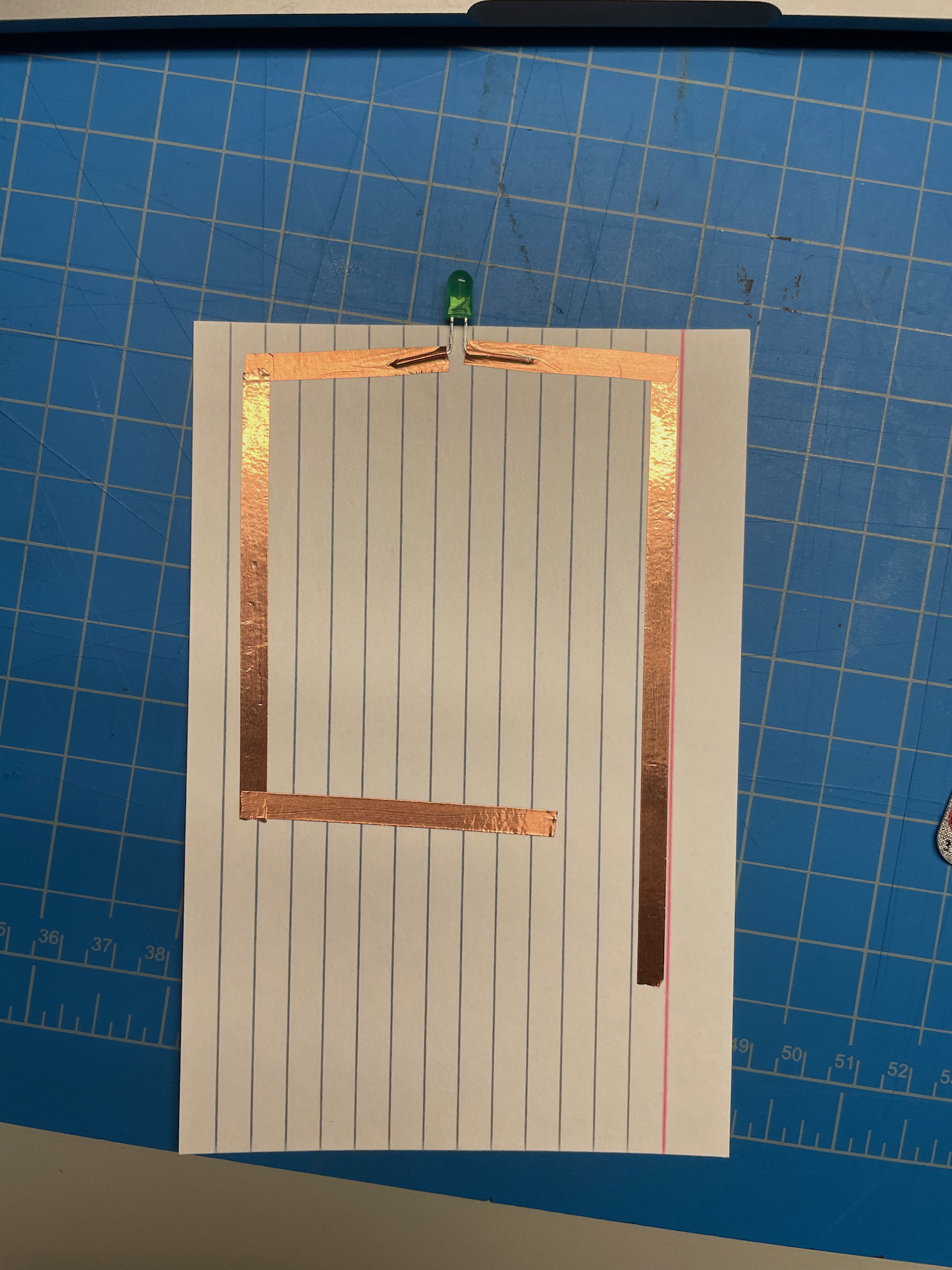
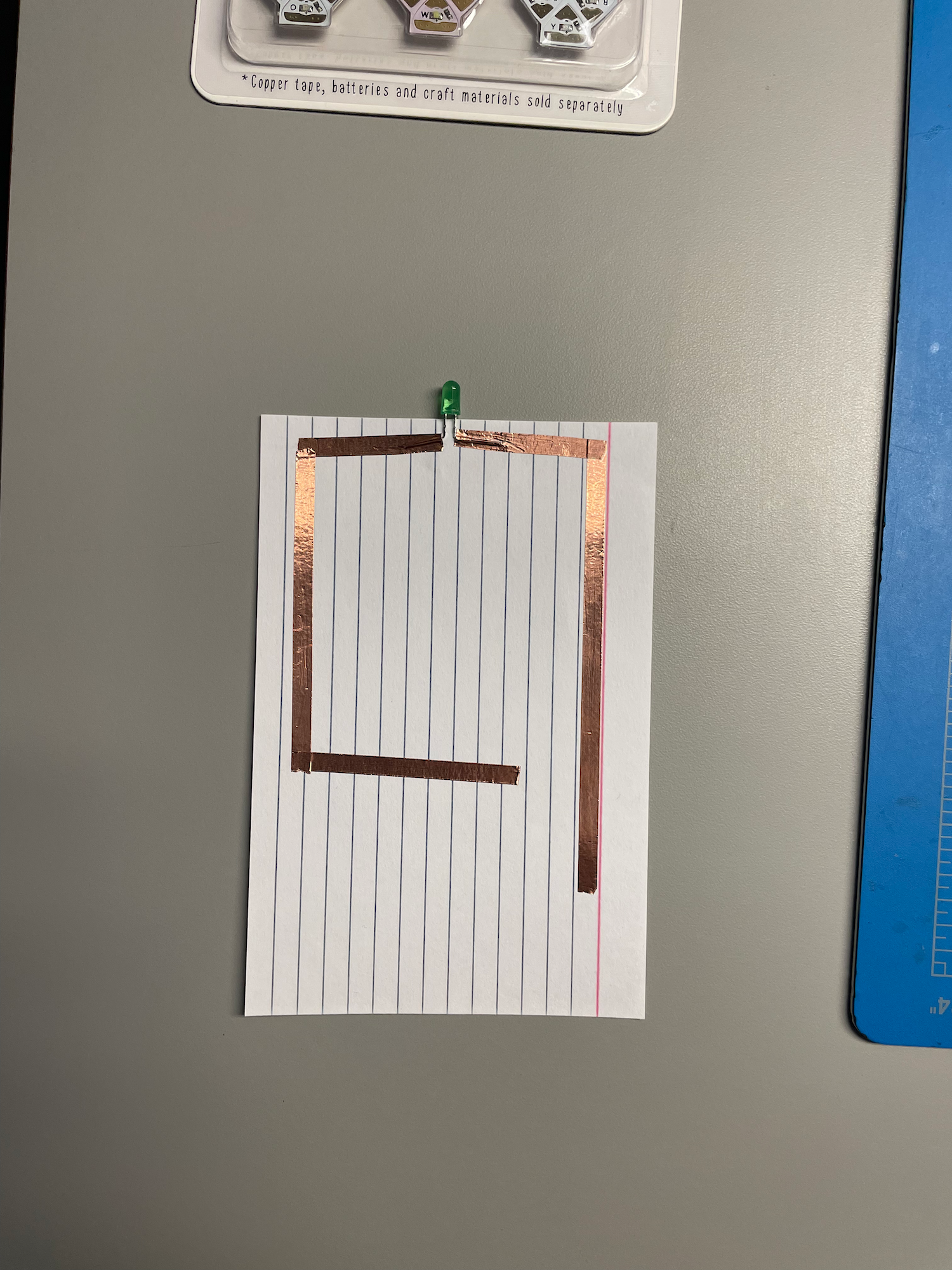
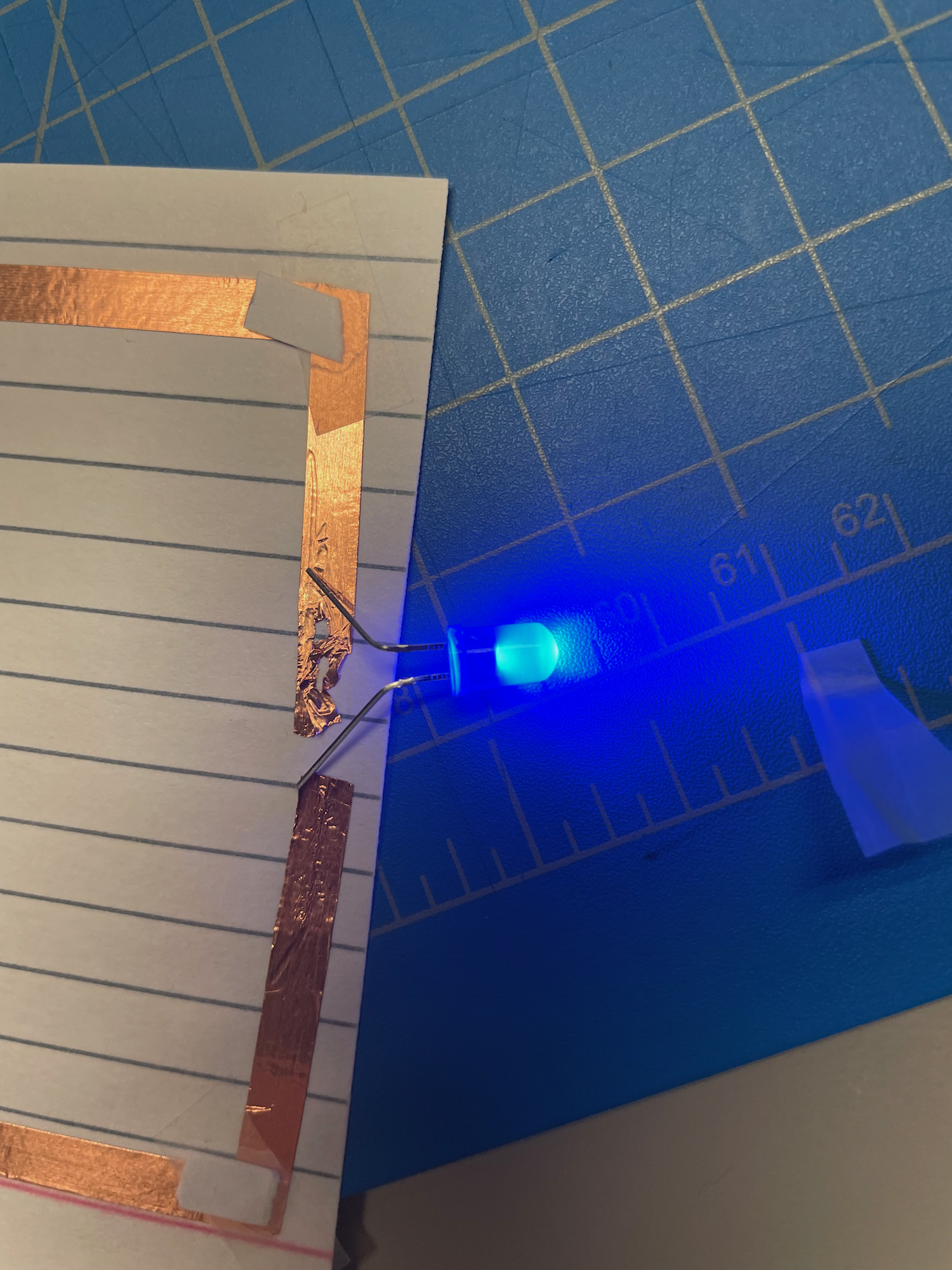
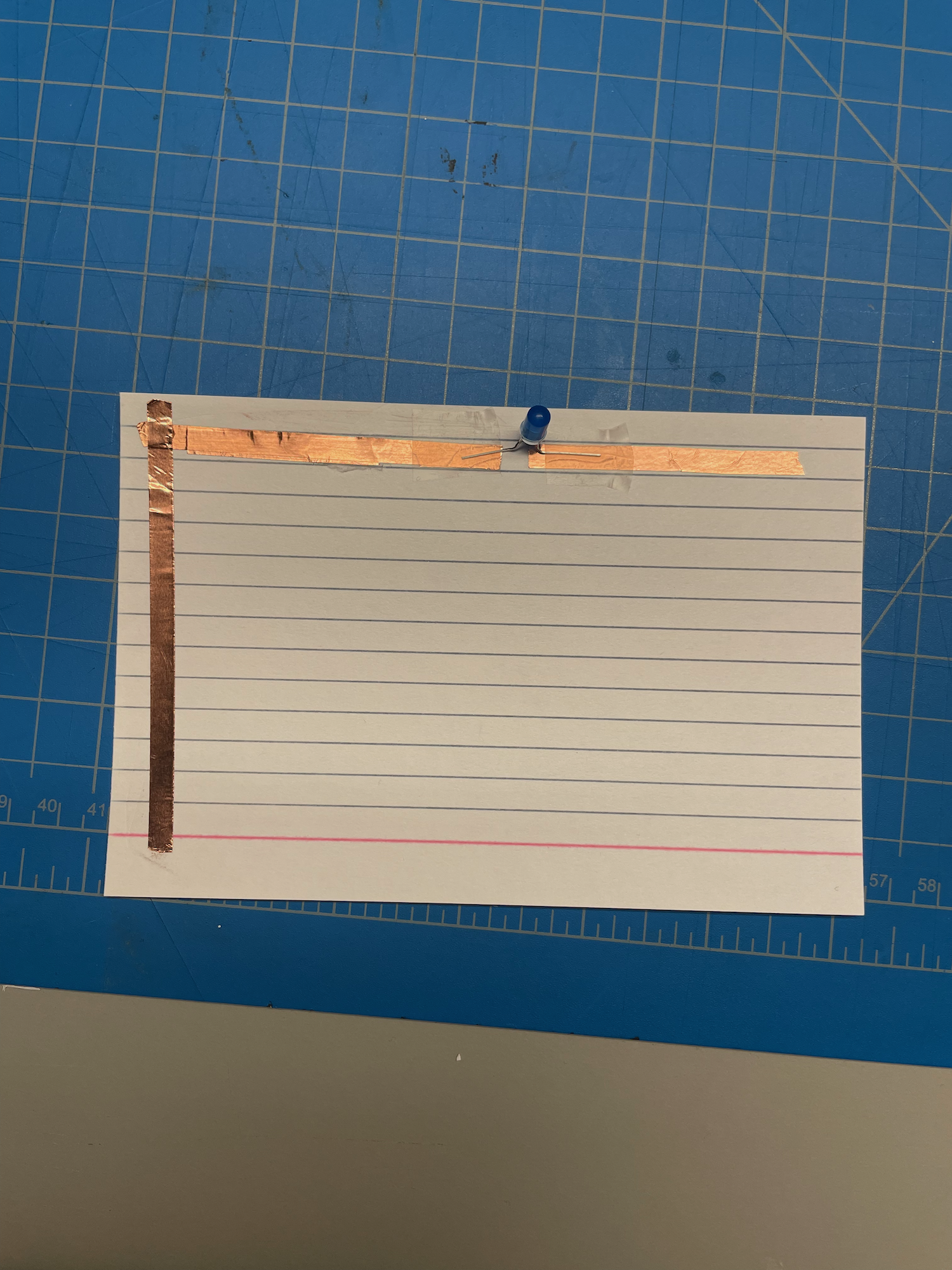
                  the commplete first project. This is a close up of the first circuit I needed to make. When chatting with Jen I learned more 
                  about how the resources work together and how they will be useful. Additionally, I was informed on 
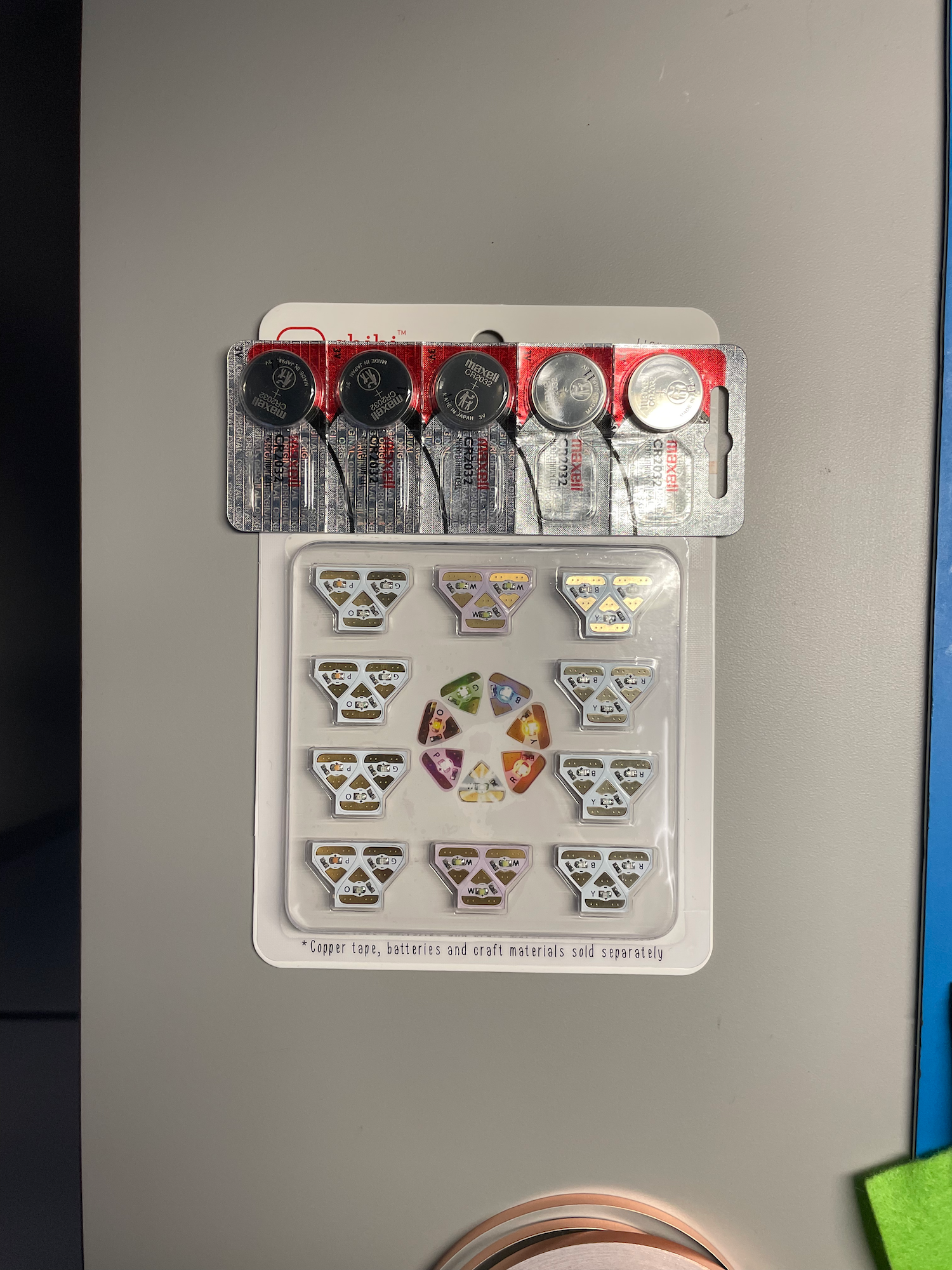
                  how the copper tape is not very conductive on the bottom where the adhecive is. In the pack of items we were given for the project I received button batteries that will work
                   well for our projects which is interestin gto me because I typically use AA or AAA bateries with 
                   wire from an old radio. This new exsperience will teach me more skills and . Also, we were given 
                   LEDs in the form stickers in a wide vaiety of colours. I might use these in the future becuase 
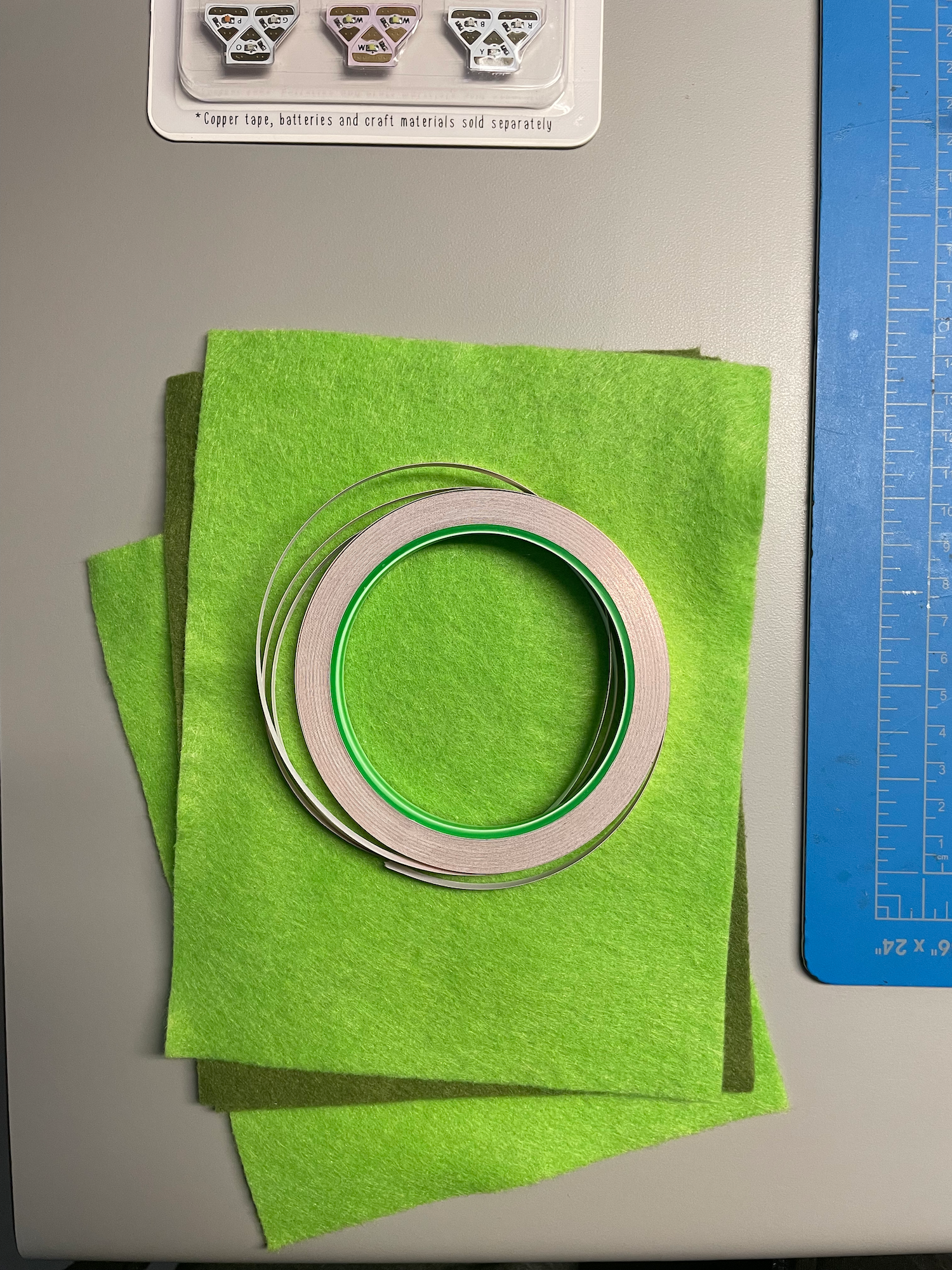
                   they are very flat and being sticky helps by being more convenient. When the copper tape wwas handed out I was suprised because it is the exaact same down to the
                  the brand for what I use for making stained glass. But, the first circuit I created did not work 
                  becuase of how the tape was designed. I thought it would still work but it did not. I had to 
                  tape more copper face turning downward to the other tape, because of this I will likley be 
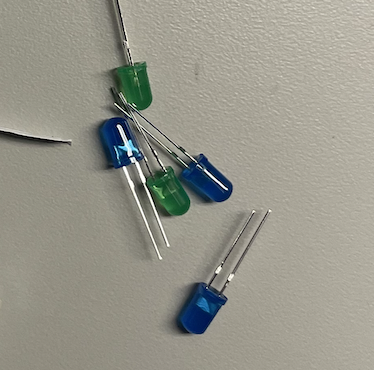
                  sticking to wires for my final project. In the past I would play around with old wires and LED lights from old pieces of technology but 
                  did not understand the long and short sides but instead would mess around till it works. I am 
                  happy to have learned more about the LED lights!! My first circuit was made on a piece of paper and I learned about how to use the tape by not 
                  peeling it off all at once. Also, the LED lights had to be bent and made me think about if I
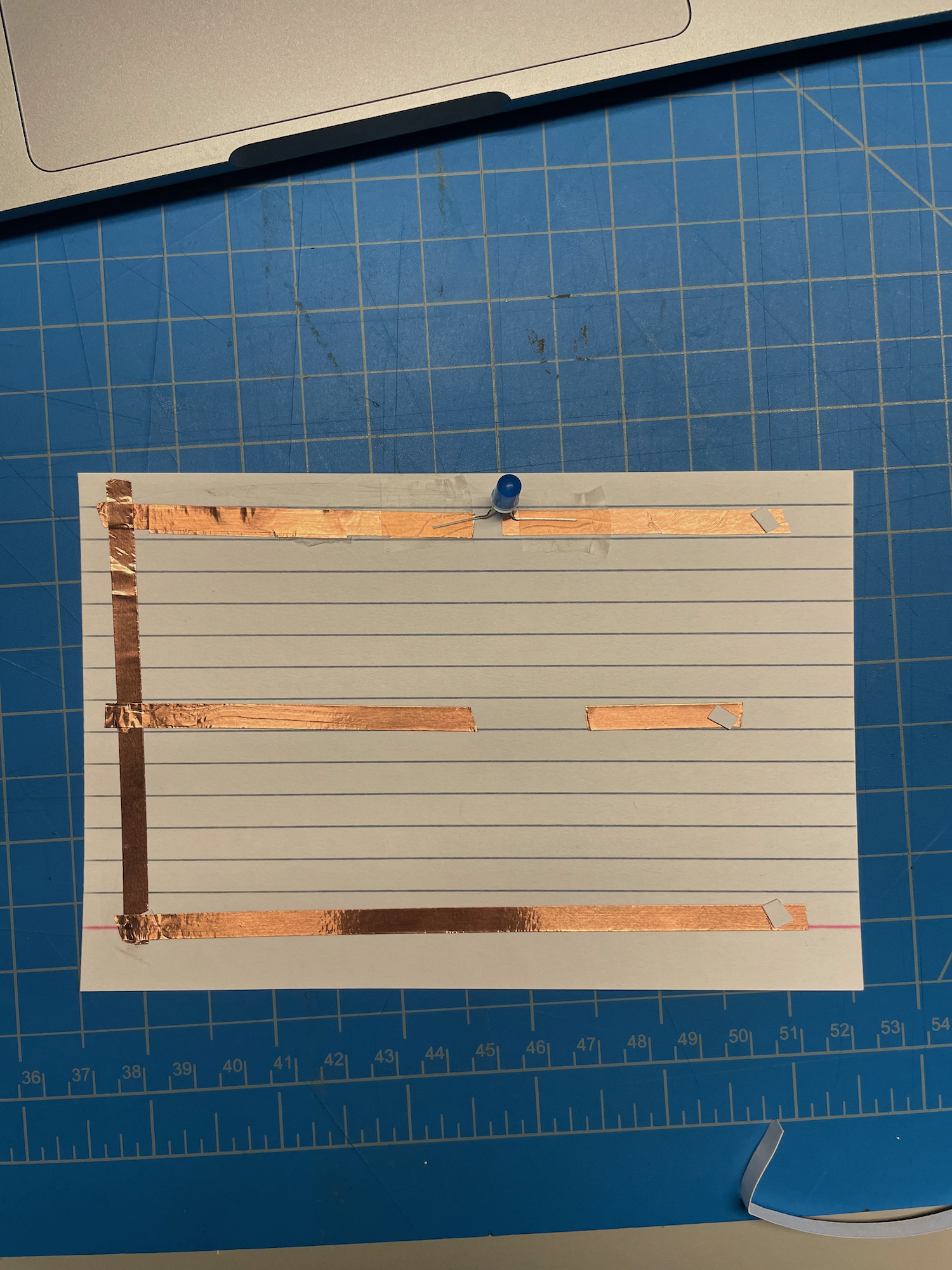
                  will use the stickers instead the bulbs because it is easier. This is the aftermath of my first attempt at a circuit, some key take aways were how to bend 
                  the LED lights for my needs and working with the tape. I mention the tape alot and will continue
                   to because it was a struggle to deal with but it is nessassary for most parts of this activity. My first circuit worked! But, it was very finicy and I was not able to keep the light 
                  consistintly on. Many things like trying new bateries and lights did not help which was 
                  fustrating. To make the circuit work better I analyzed the piece and reconstructed it. I learned how I 
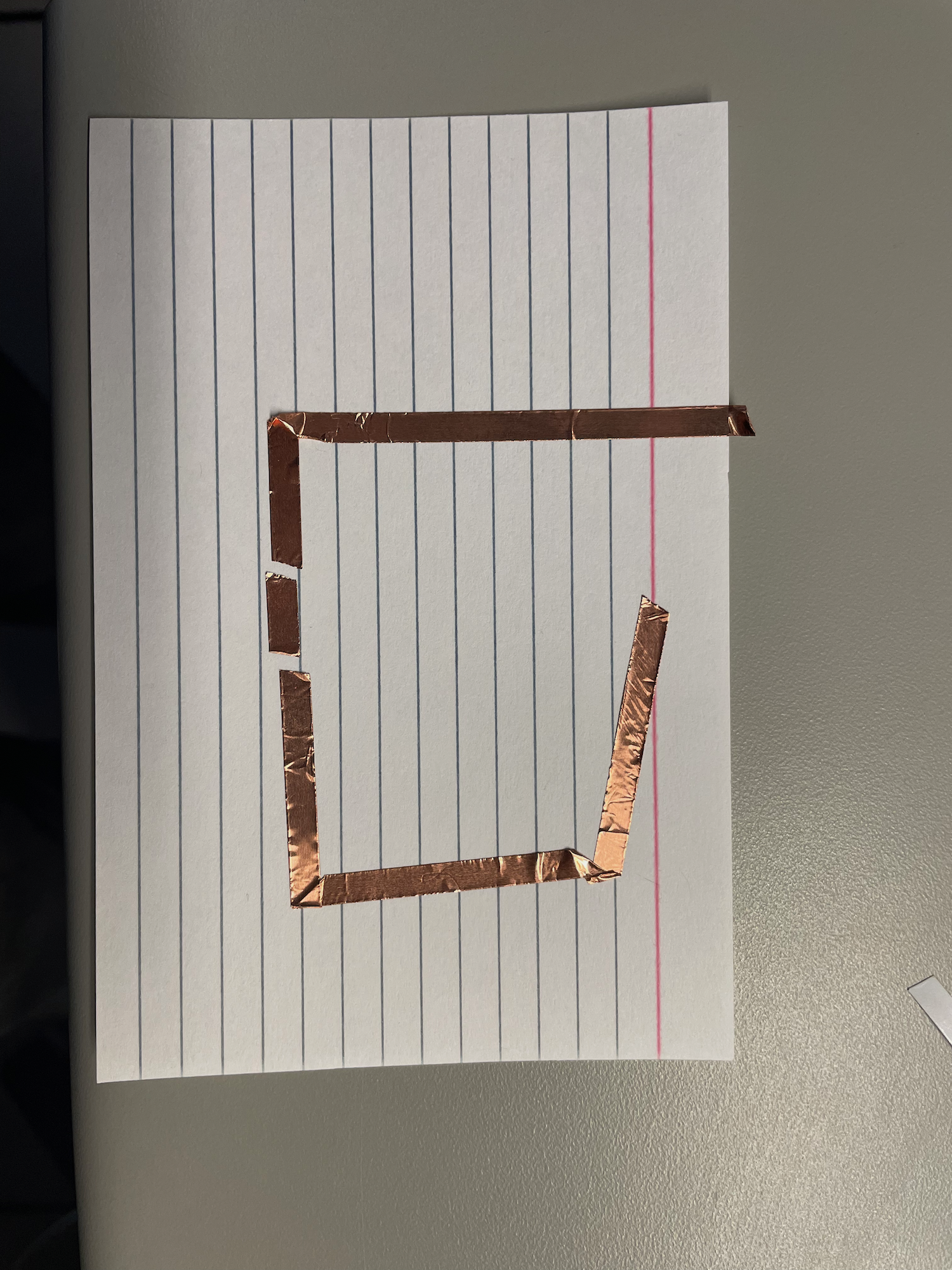
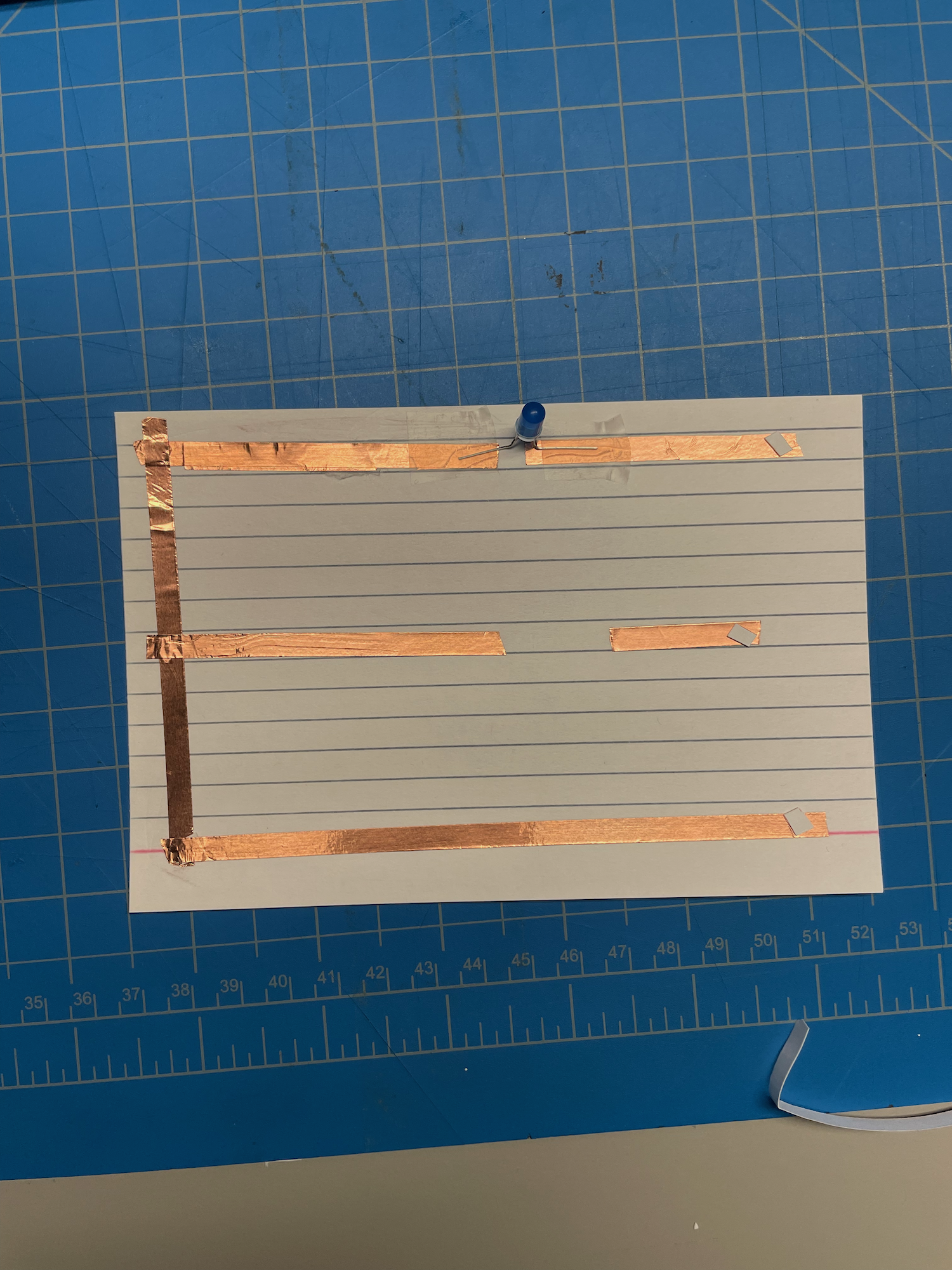
                  need to prepare to be patient and that being more thourough will benifit me in long projects. My second circuit has two breaks in order to fit in 2 LED light bulbs. When laying the tape 
                  I exsperimented with folding the tape over its self to avoid having to do the extra taping and 
                  to use less materials. But I did not know if it worked until after I finished it, I was 
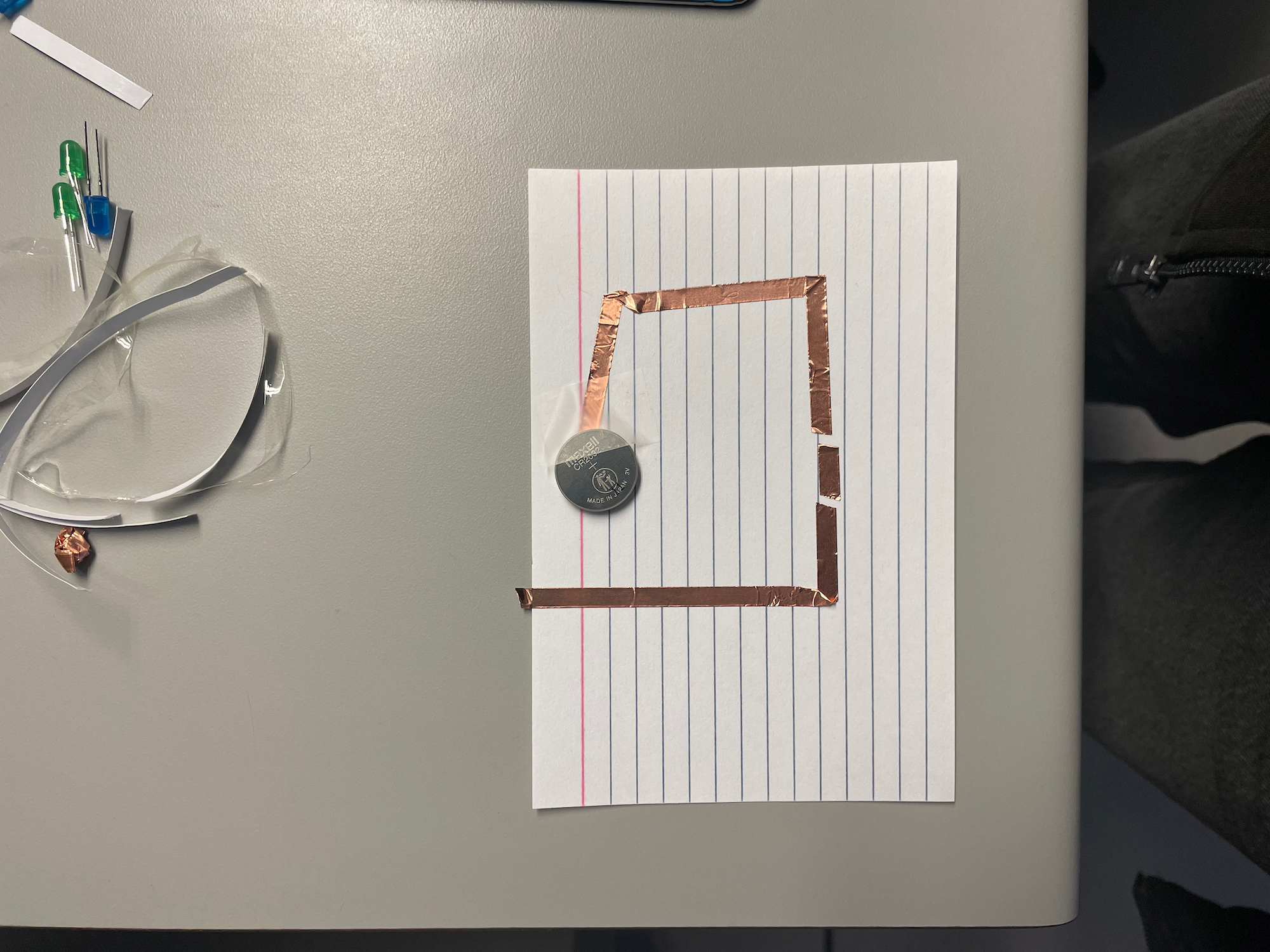
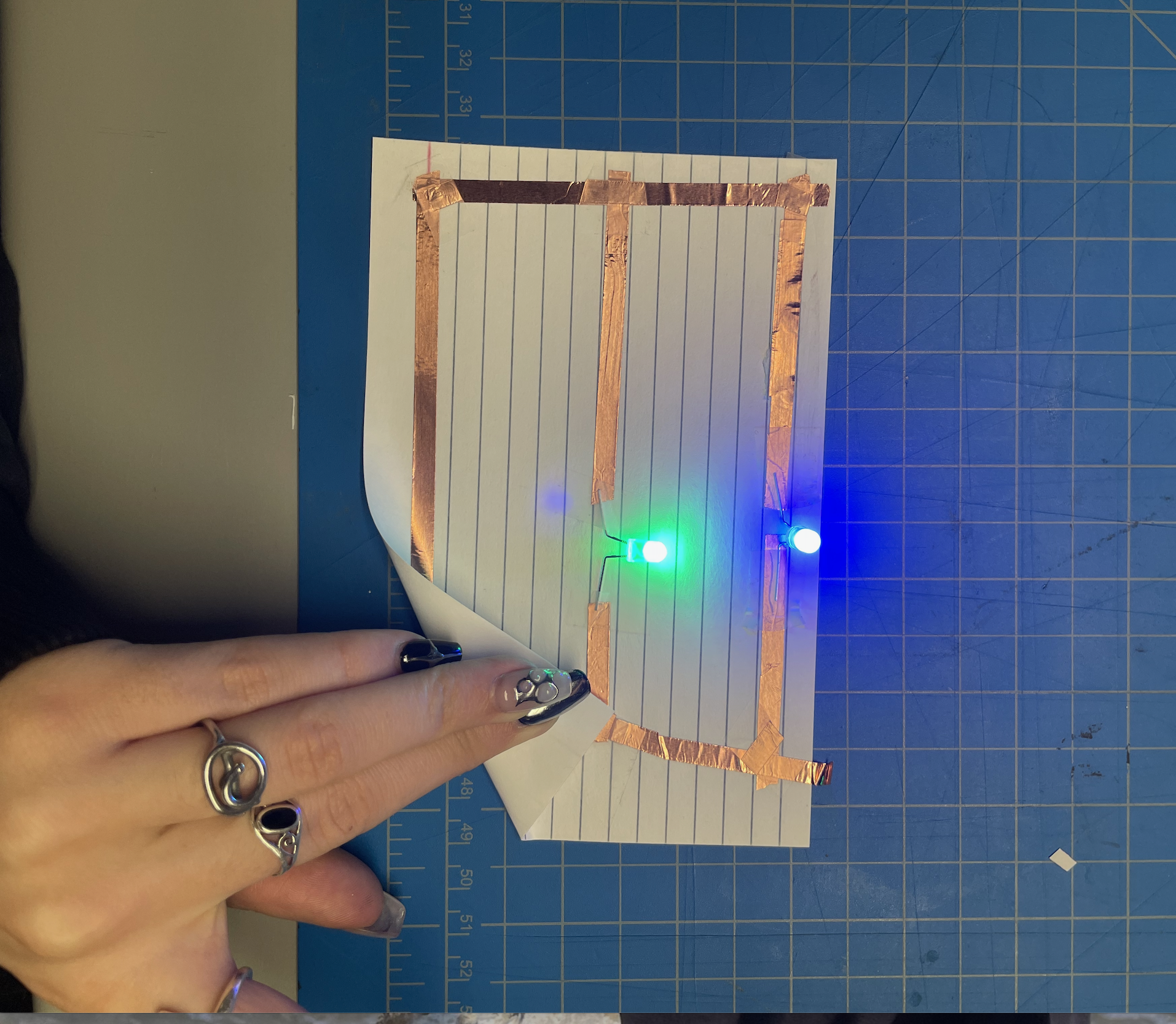
                  worried because it would waste so much time if it didn not. This picture captures what I learned about the batteries in my second circuit. I faced the 
                  batteries down like earlier but instead of one I used to which I learned in nessassary for
                  multiple bulbs being used but I still wonder if I can just use a bigger battery that is stronger. 
                  I will need to take the battery situation into consideration for what will be possible for my 
                  final first project. With the tape and battery set up I was confident in the circuit but even after adding the tape 
                  conecting the joints there was still no light. Working with my peers and professor, we figured 
                  out that the LEDS were probually to close together. I will be asking for help in the future when 
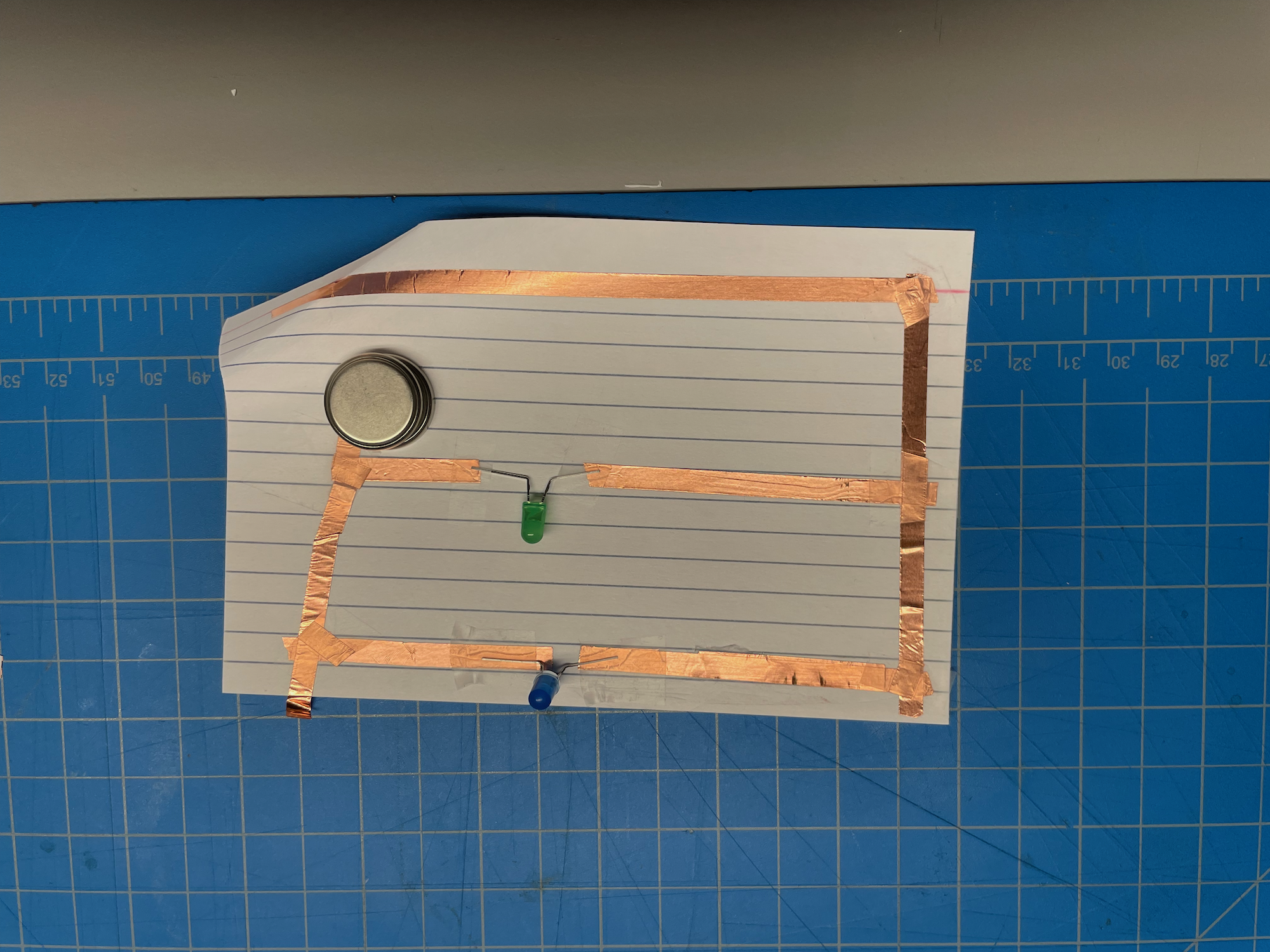
                  encountering problems and will also be happy to help peers if needed. I recreated the circuit and am still confused because the copper tape did not have to be 
                  reinforced. Yvy also had this work for all of her circuits, maybe if the tape was pushed hard it 
                  moved the adhesive out of the way? I did not really want to make this circuit because other options were availible that used 
                  resources I had not seen before. But I still started it because it is probually important 
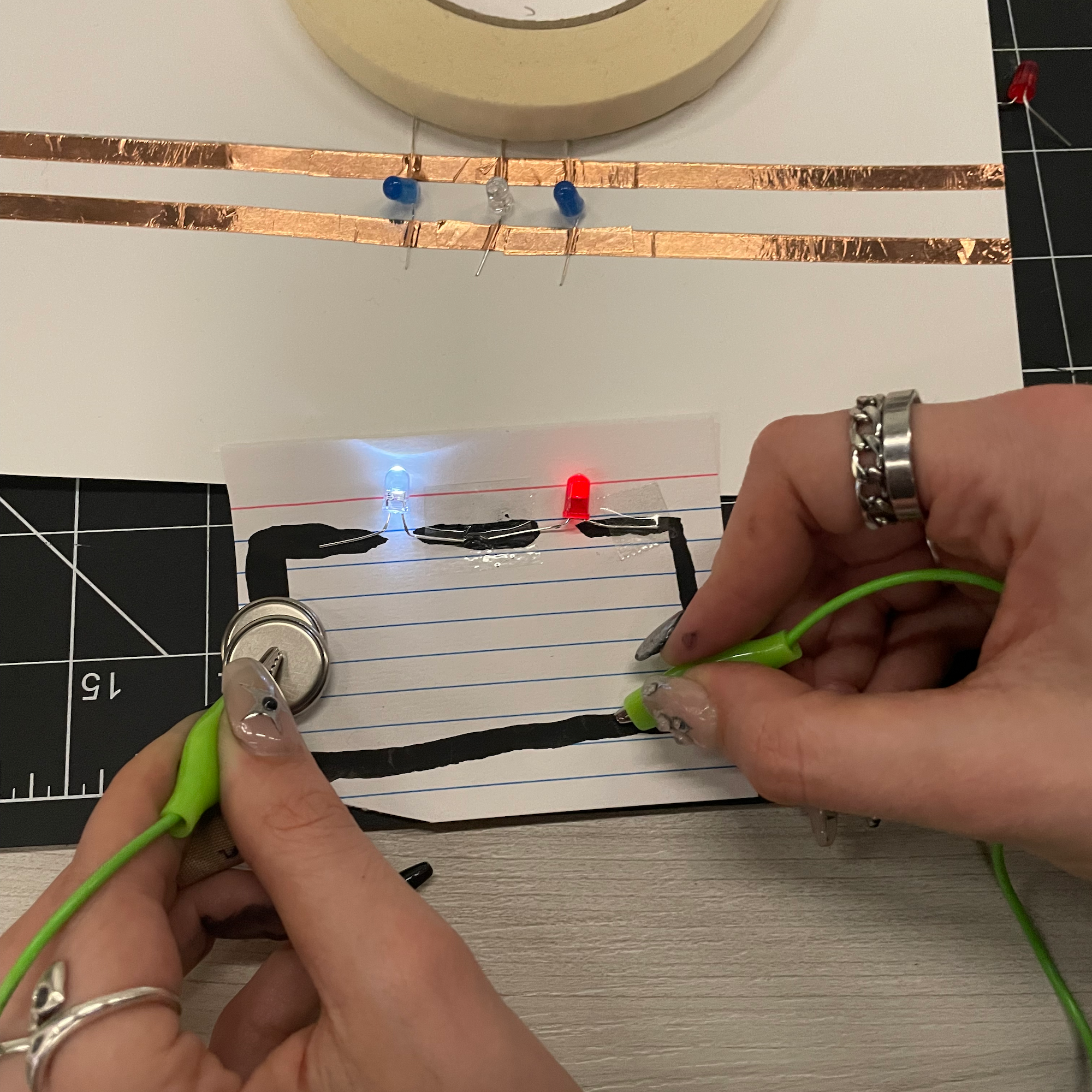
                  to learn so that. At the point in this image I was already familiar with the actions. At displayed, this circuit almost is a combination of both the first and second parts. I 
                  tried a new way to connect the tape joints but it very much did not work. So, I resorted to 
                  my previous technique and then reflected on what other ways I could have tried to connect the 
                  different pieces of tape. At displayed, this circuit almost is a combination of both the first and second parts. I 
                  tried a new way to connect the tape joints but it very much did not work. So, I resorted to 
                  my previous technique and then reflected on what other ways I could have tried to connect the 
                  different pieces of tape. I was so glad when it worked, because this was the first time it worked first try. Now I 
                  know that my patience was worth it because it ended up working, hopefully my final project 
                  goes just as smooth. Again, two batteries are used. I wanted to exsperiment more with where the battery is 
                  placed but I did not have enought time to play around. Hopefully in class I will get the 
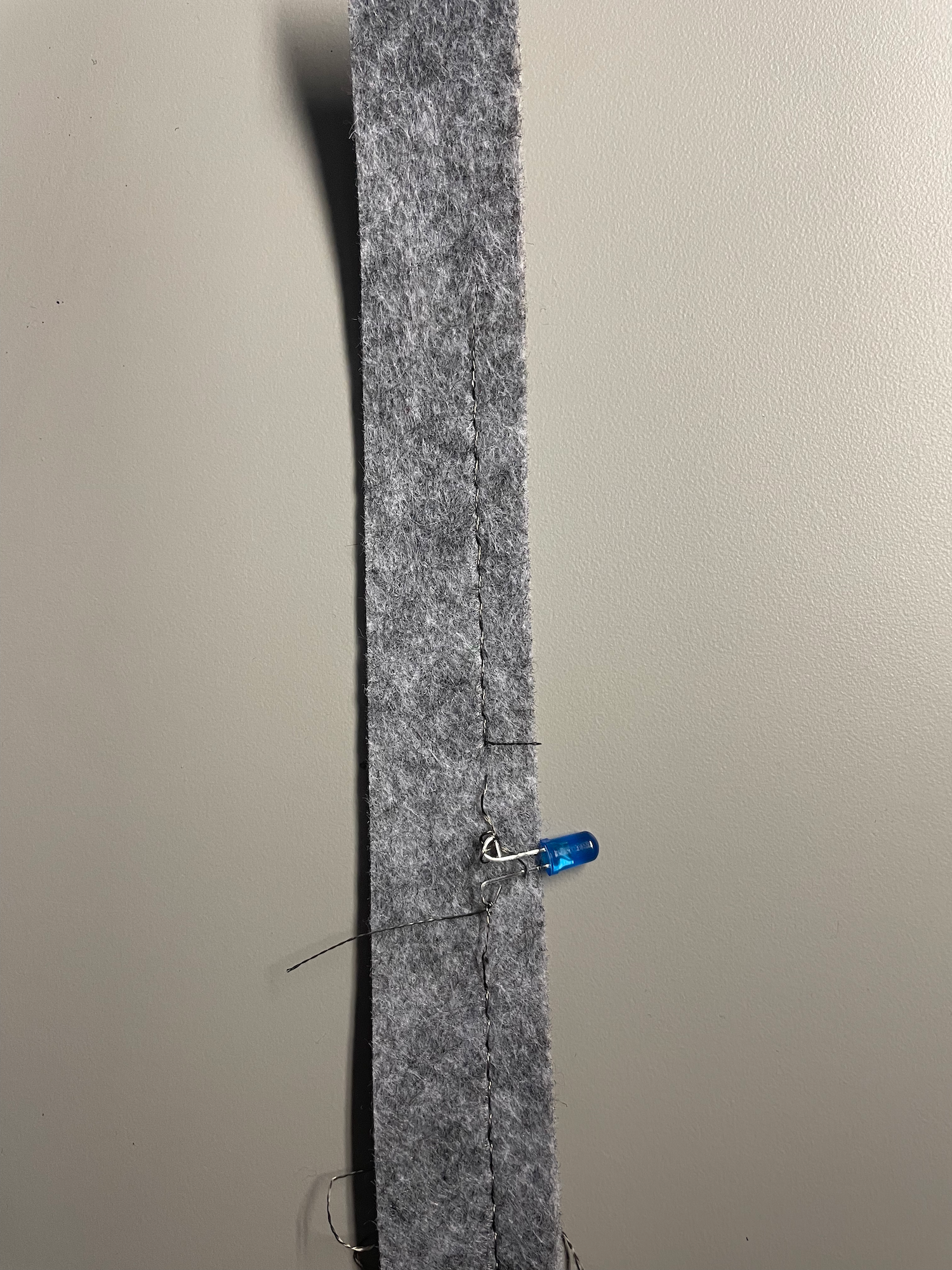
                  chance to exsperiment more like I want to. After chatting with Jen I bent the LED wired to easily connect with the thread, I was 
                  reminded of J hooks when making this. I was fustrated when attatching the thread because it 
                  does not keep its shape. Eventually with a slip not I made the thread work but now I am weary 
                  of using it in the future because of how finiky it is to use. After chatting with Jen I bent the LED wired to easily connect with the thread, I was 
                  reminded of J hooks when making this. I was fustrated when attatching the thread because it 
                  does not keep its shape. Eventually with a slip not I made the thread work but now I am weary 
                  of using it in the future because of how finiky it is to use. After chatting with Jen I bent the LED wired to easily connect with the thread, I was 
                  reminded of J hooks when making this. I was fustrated when attatching the thread because it 
                  does not keep its shape. Eventually with a slip not I made the thread work but now I am weary 
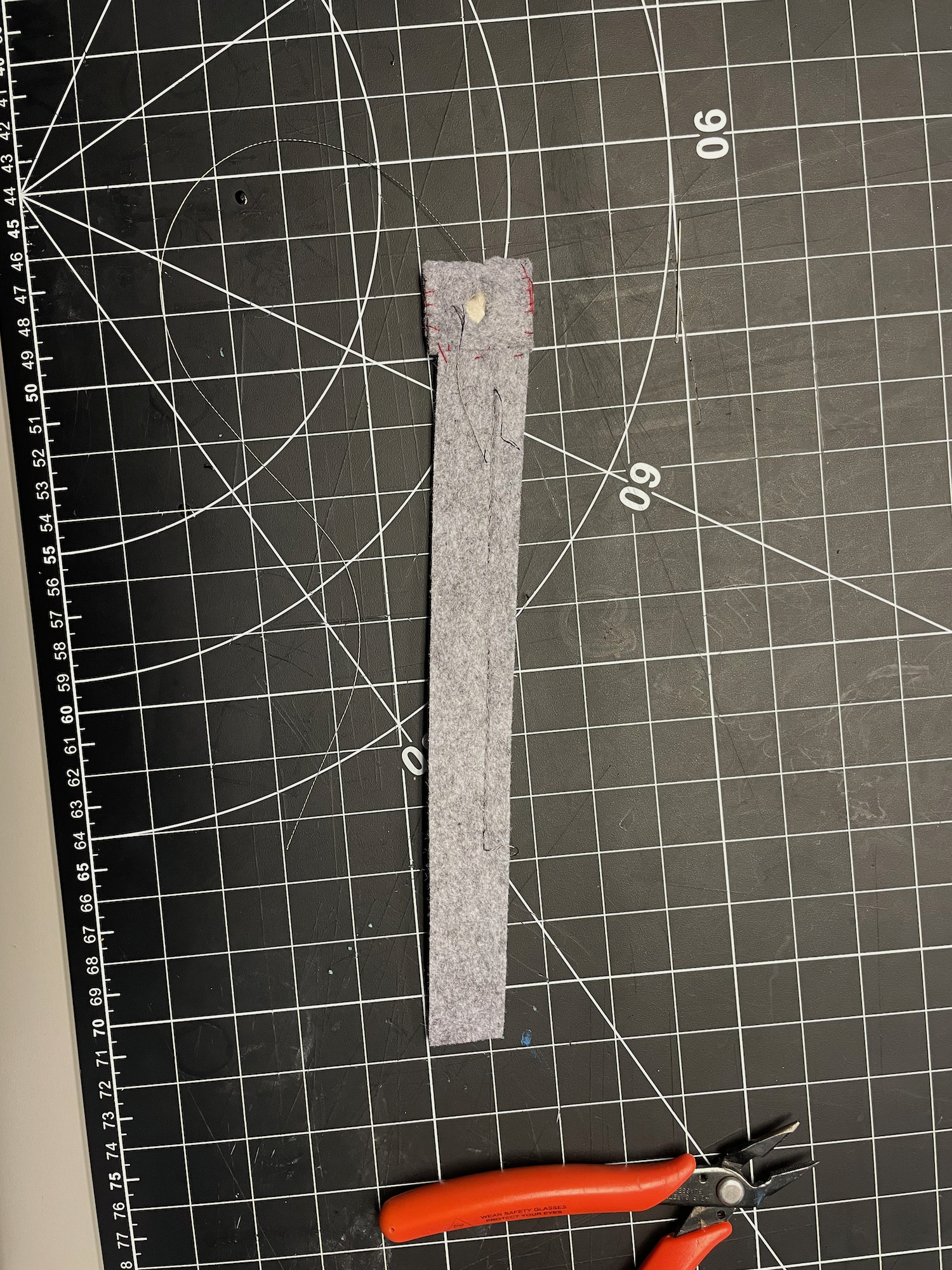
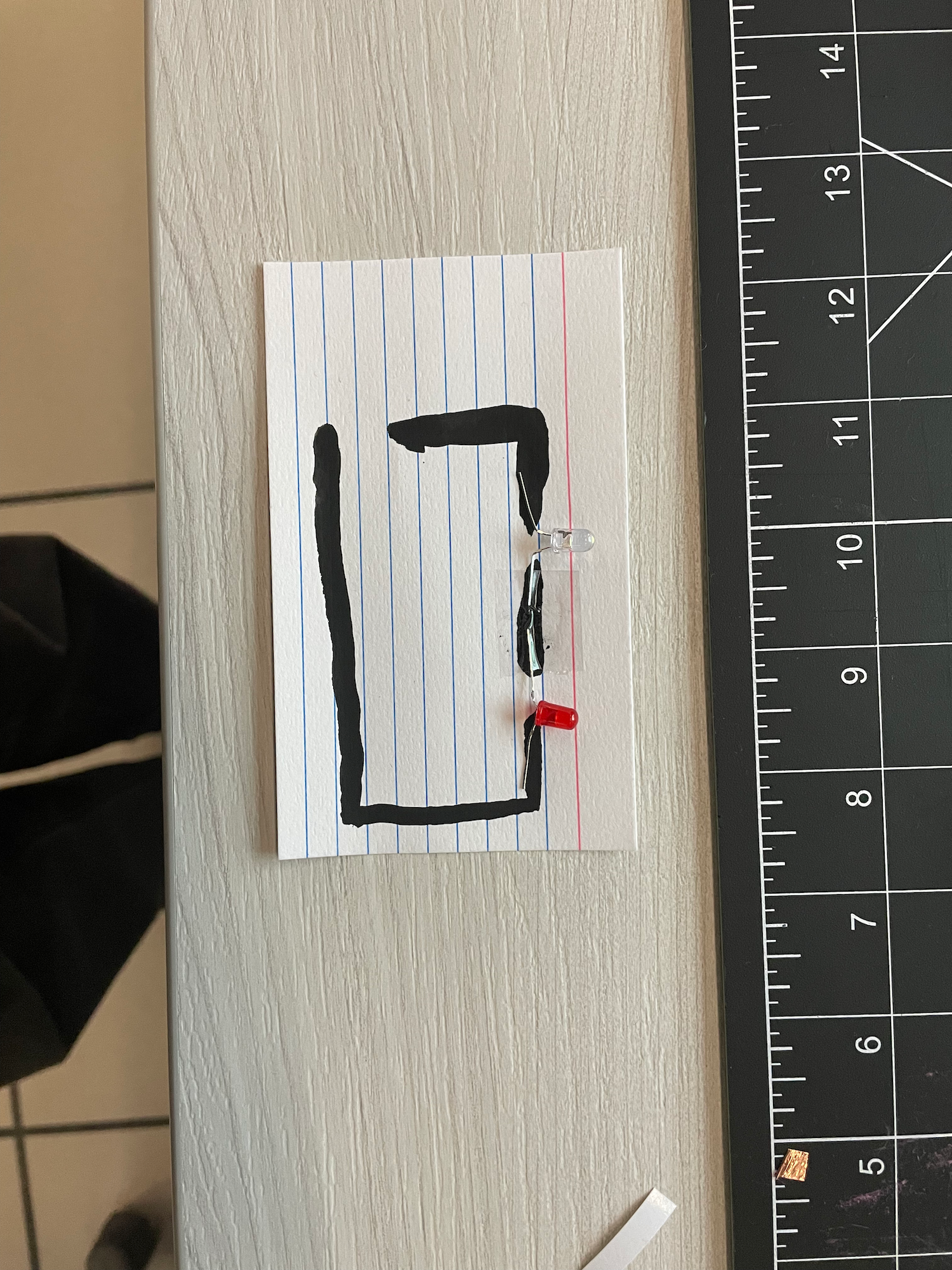
                  of using it in the future because of how finiky it is to use. I differed my design from Jen's buy creating a hole in the felt for where the currect is 
                  connected. Also, this is my final sewn piece because there are gaps with proper thread allow.
                  I am preparing myself to have to do parts multiple times which will test my patience even 
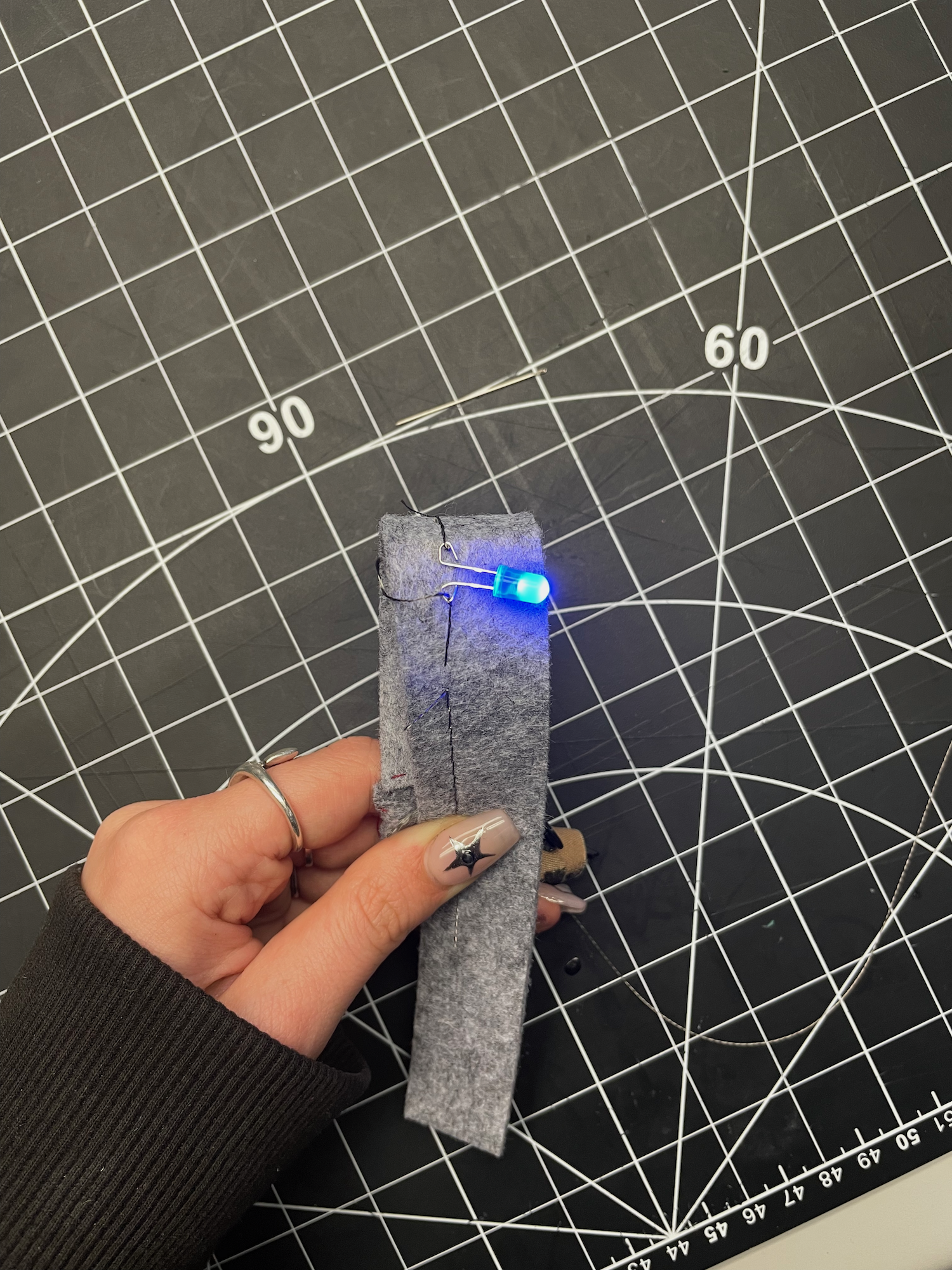
                  though in the end I will have learnt more. My second last and favourite creation from this activity crates a circuit through conductive 
                  thread and a hole in the insulative felt. I was devistated at first because the circuit was not
                  working but switching which sides the thread were on the battery fixed this, reminding me on 
                  the importance of + and -. I wonder if other people faced this dilemma. The conductive paint was really intresting when I heard about it! I was skeptical at first but 
                  it was fun while messy and I want to use it again wether it be purely for fun or for a project. 
                  I would recomend this to classmates because it is so different from other tools given and I had 
                  a blast. Once the paint dried, I was able to use aligator clips to connect the circuit and I was 
                  supprised when it worked. As neat as it was I do not think I will be using this for my project.

 Activity 2
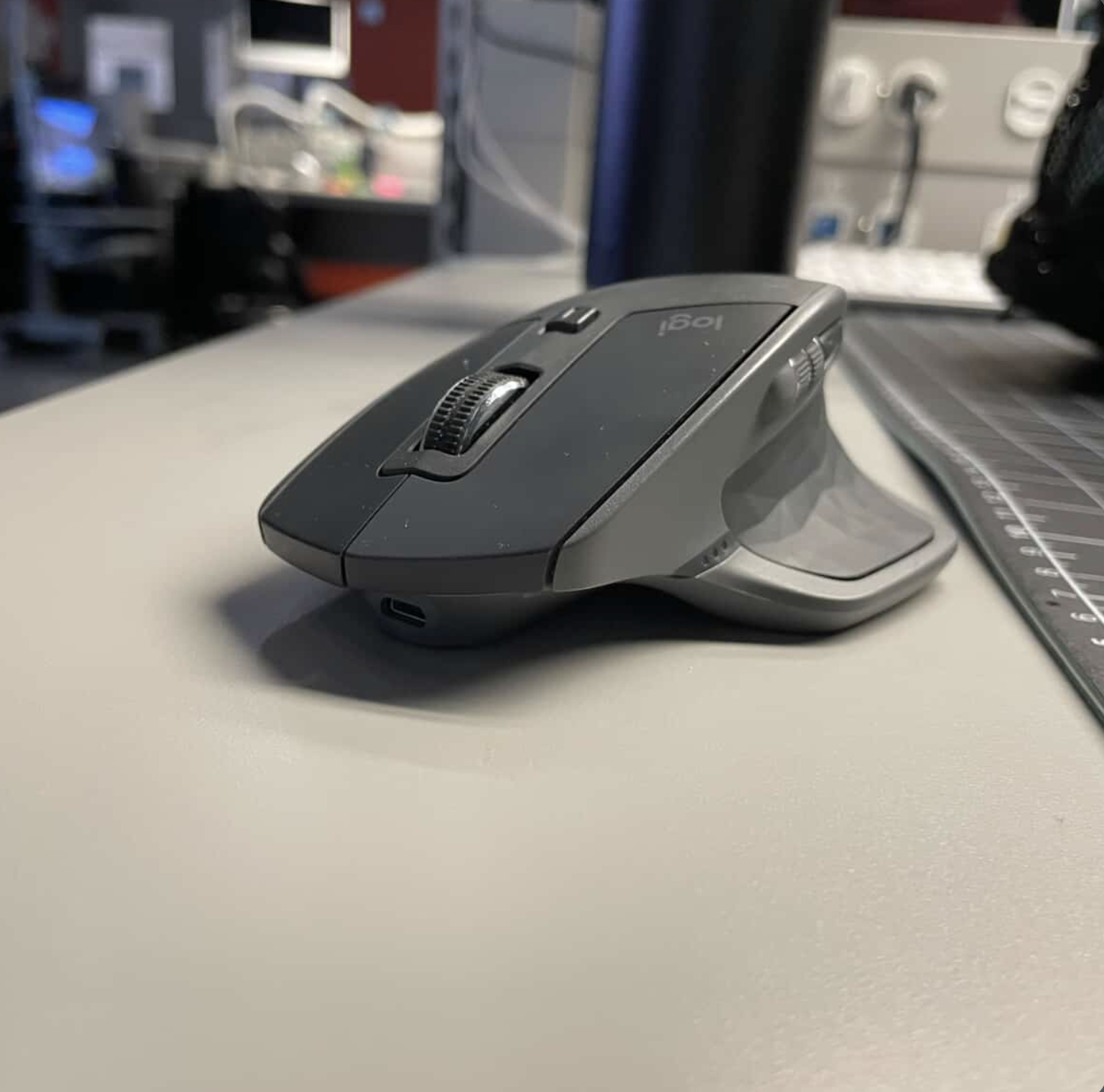
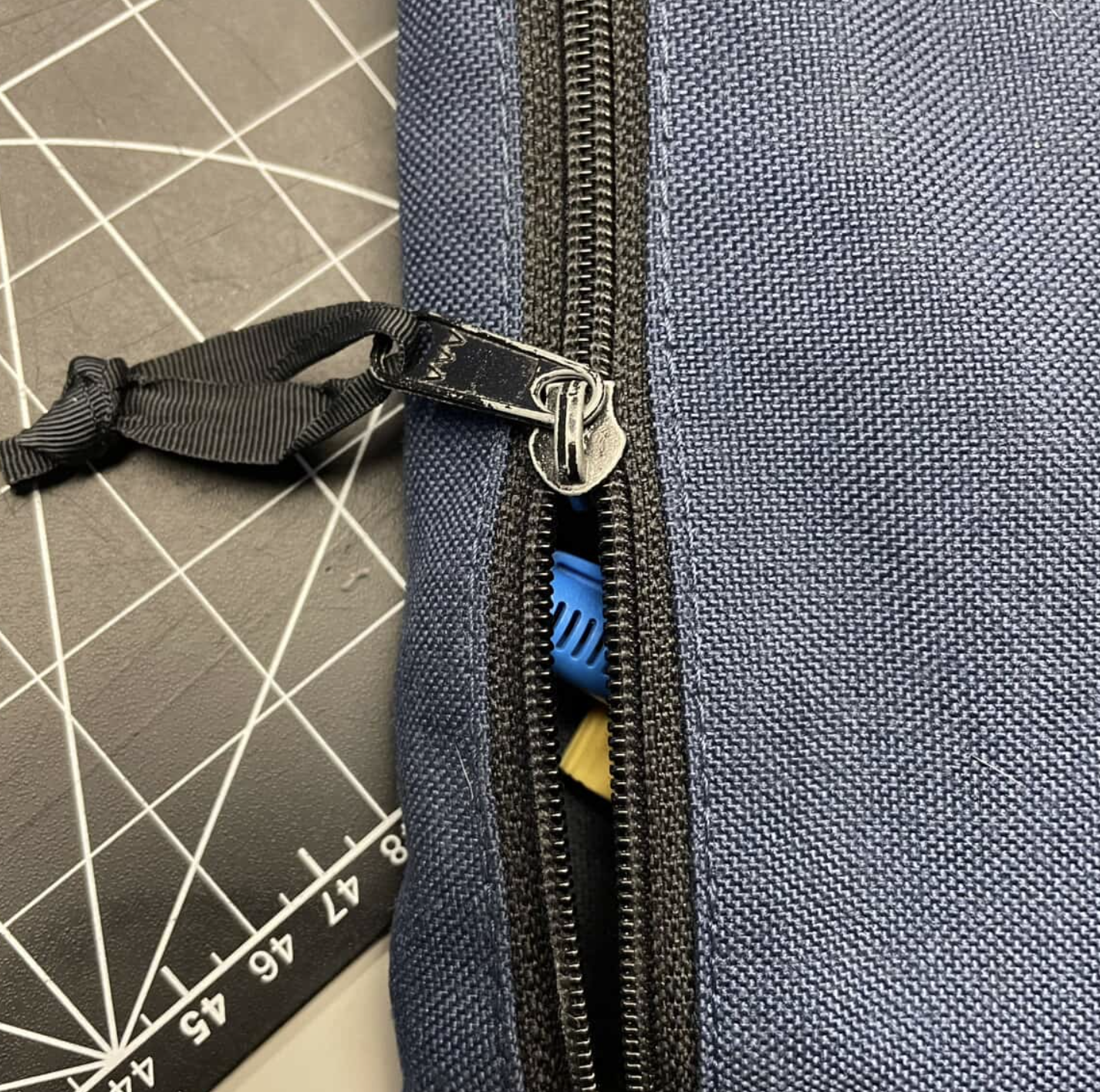
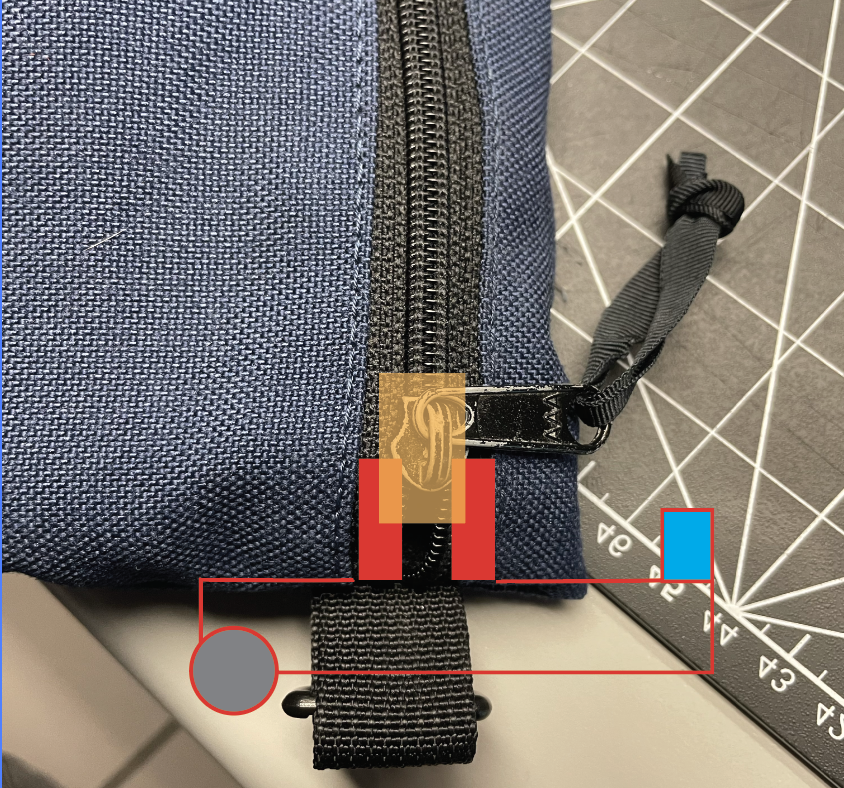
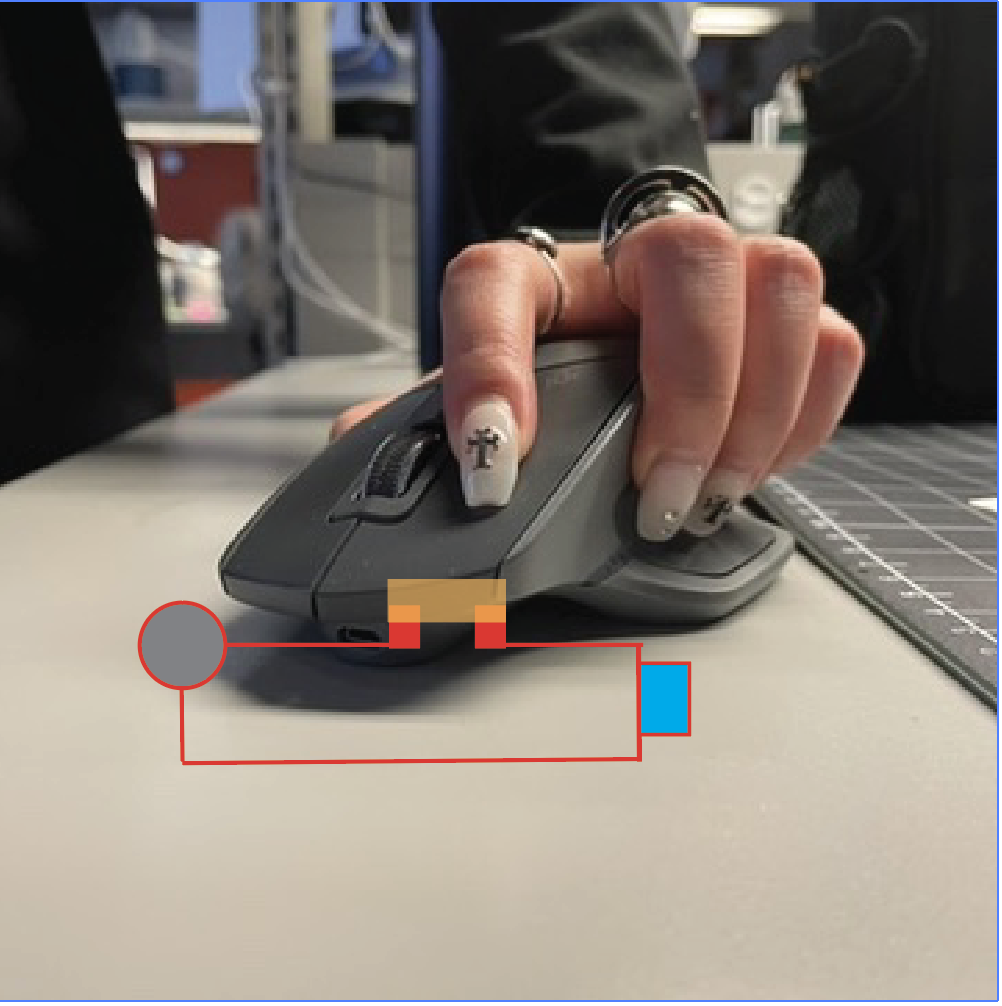
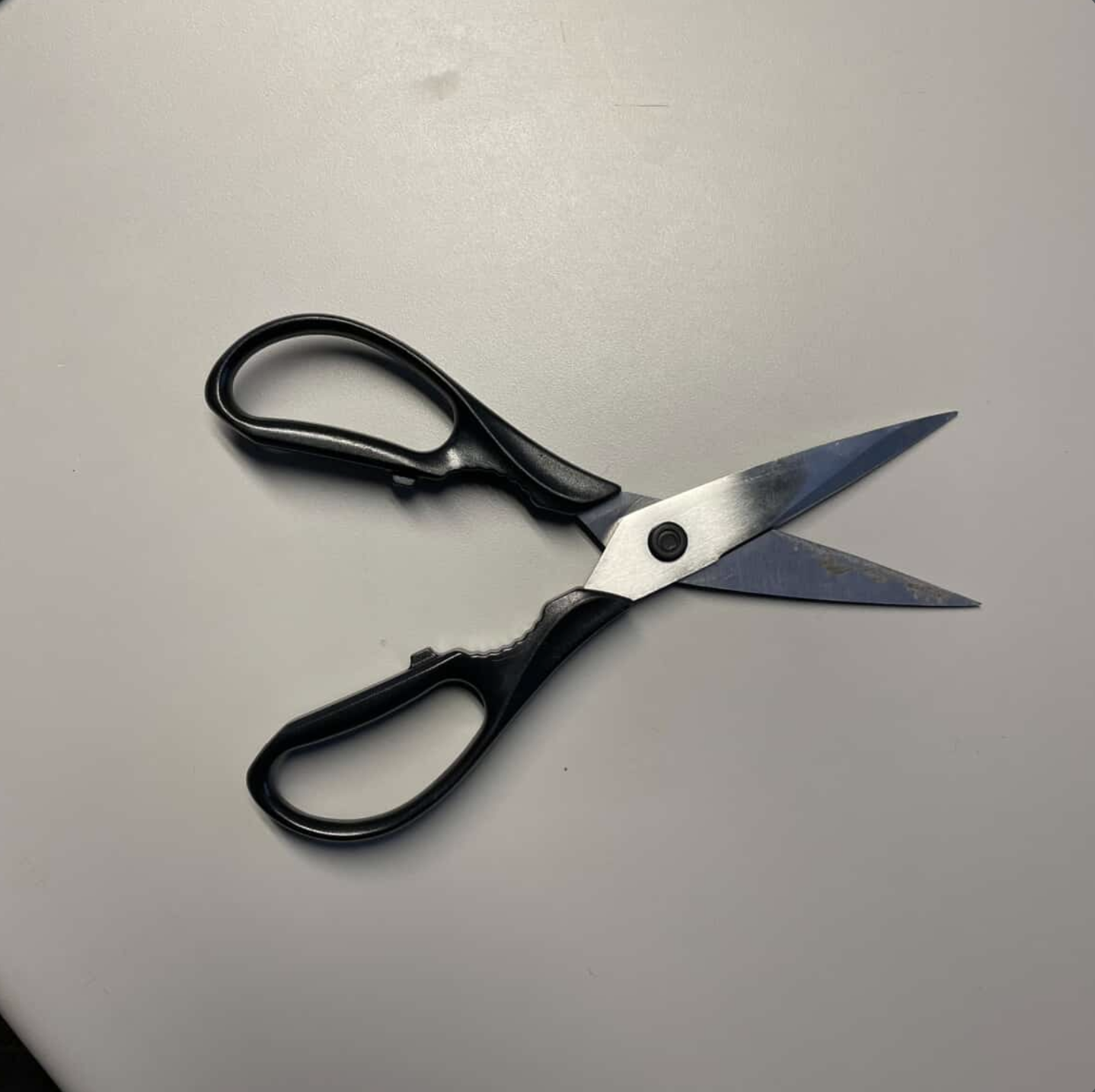
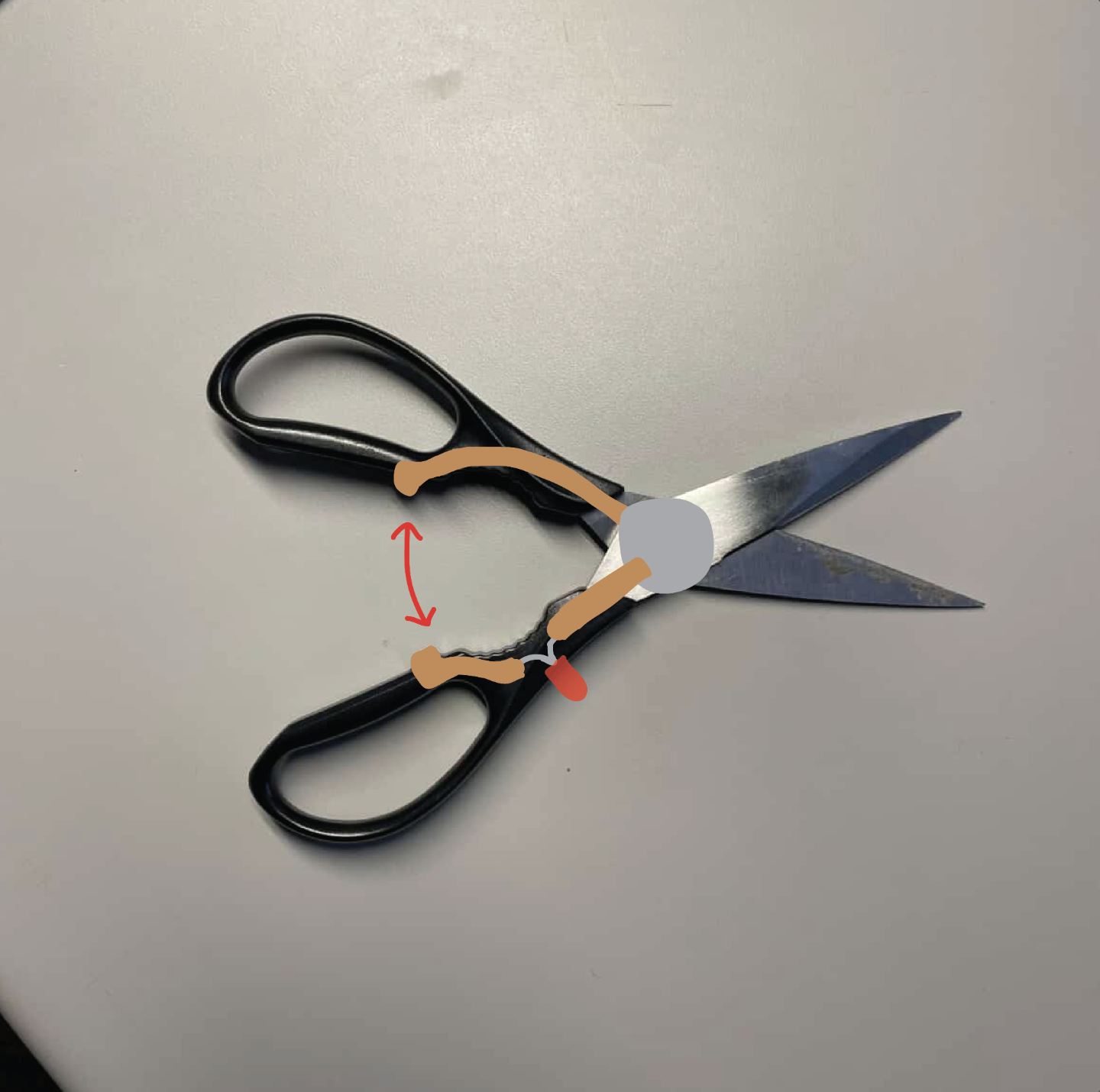
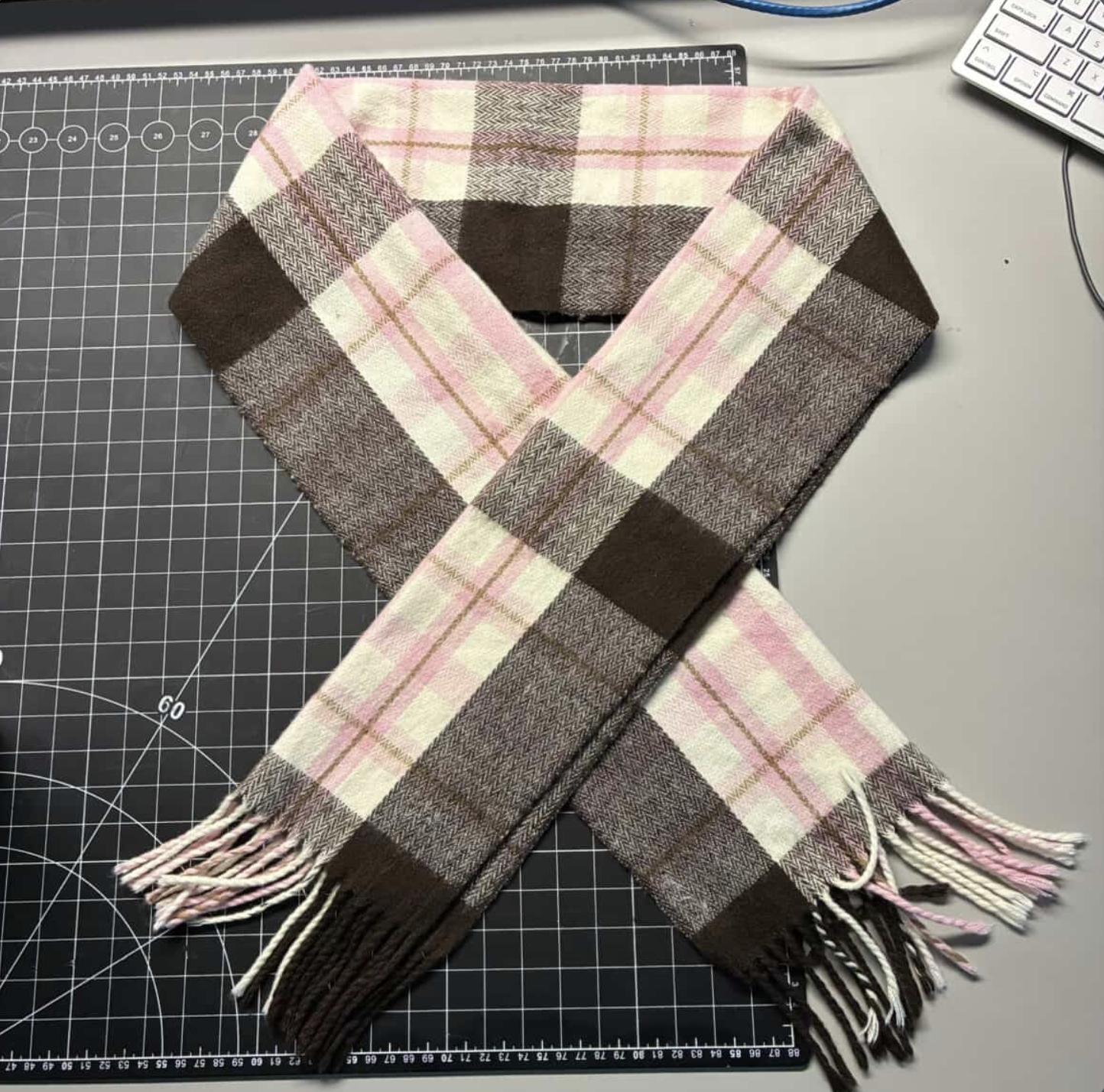
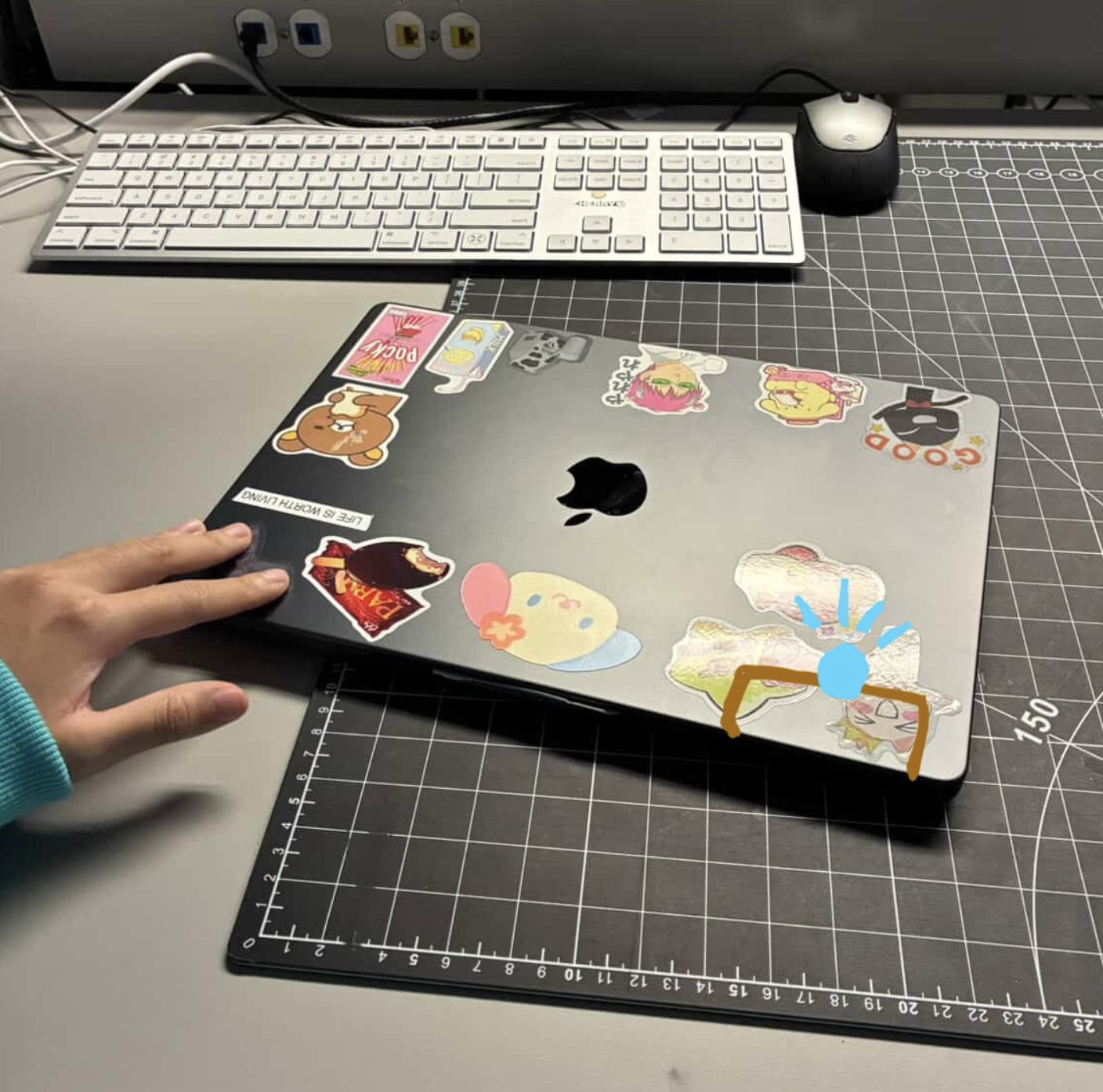
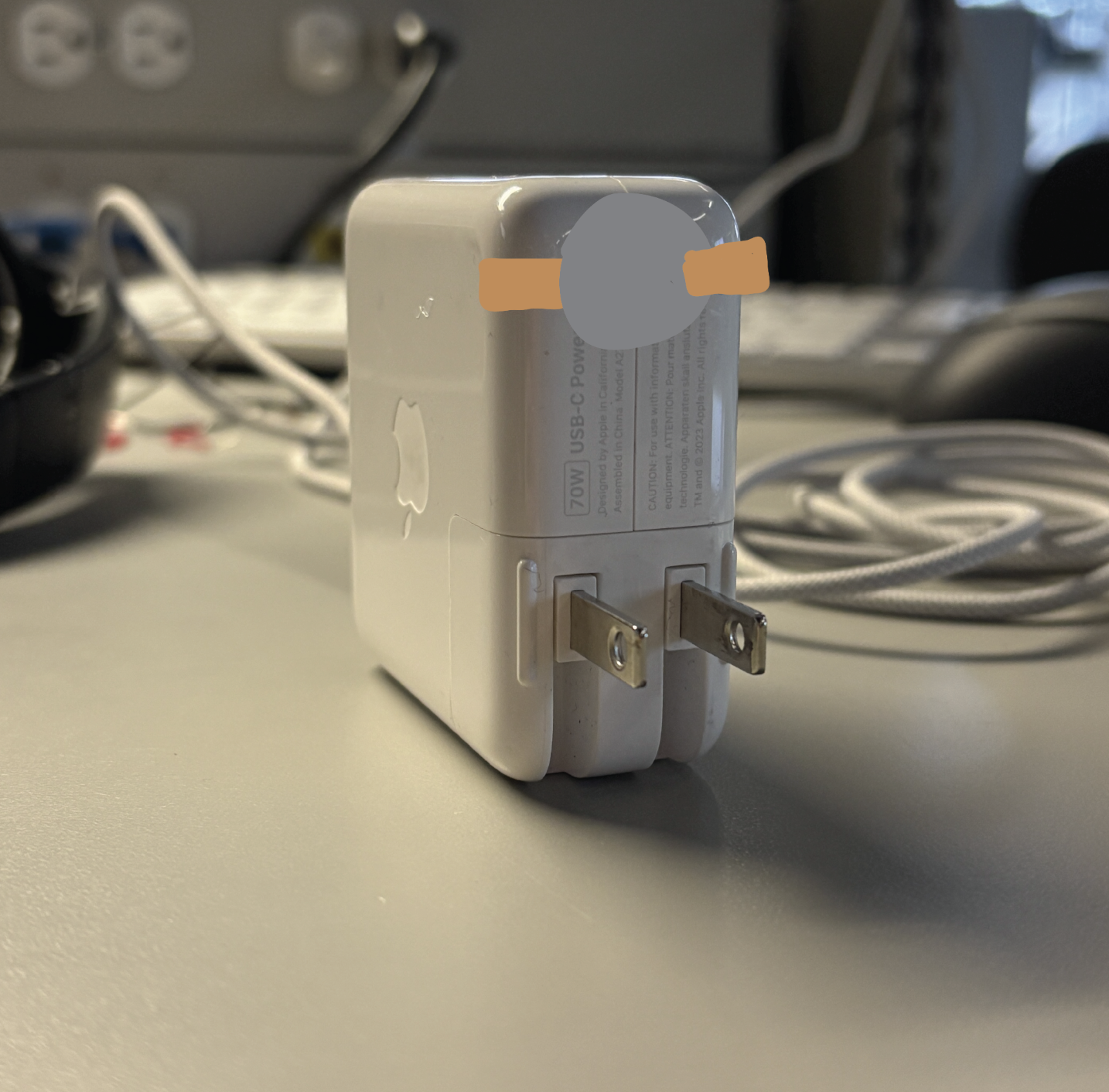
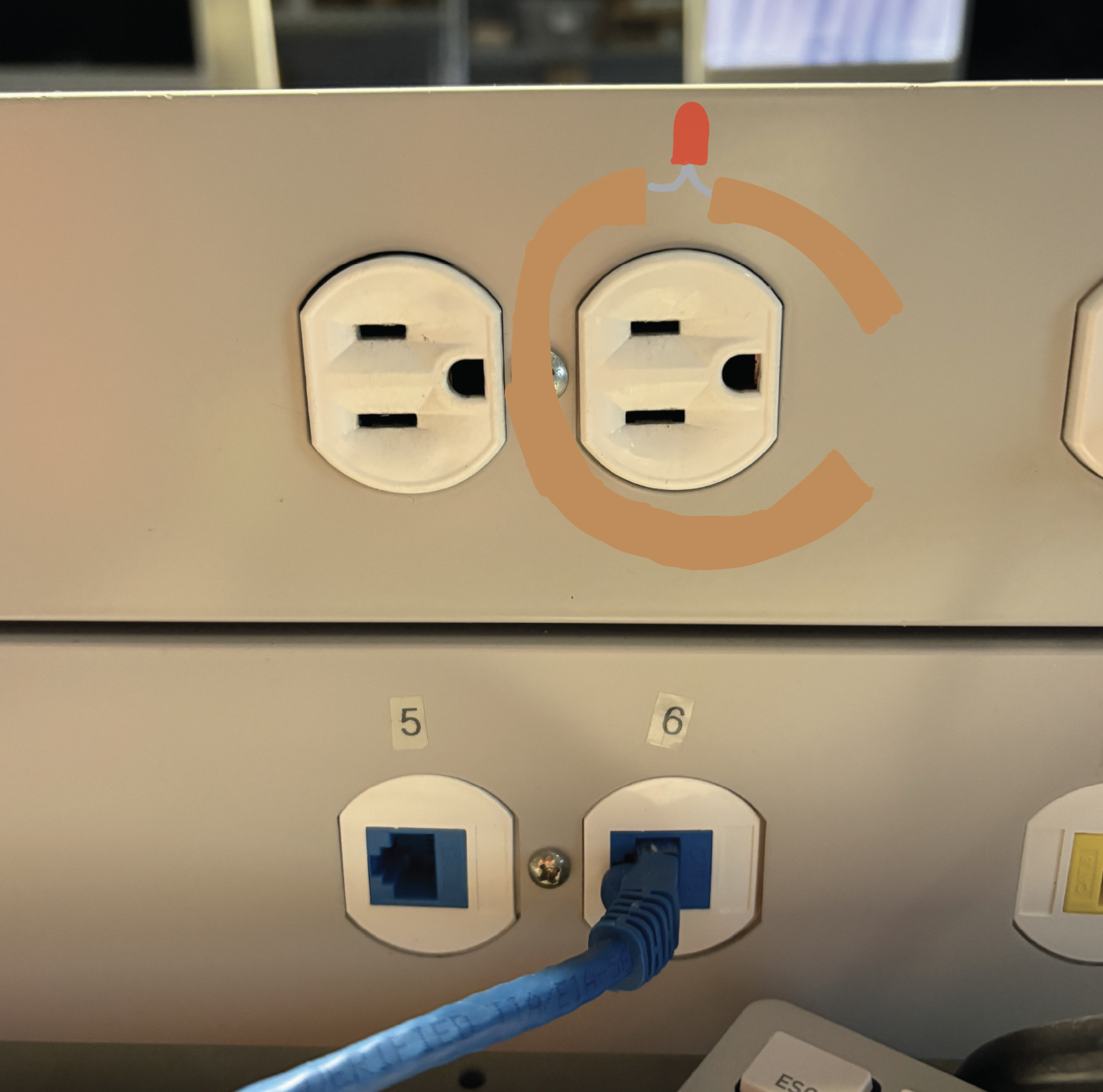
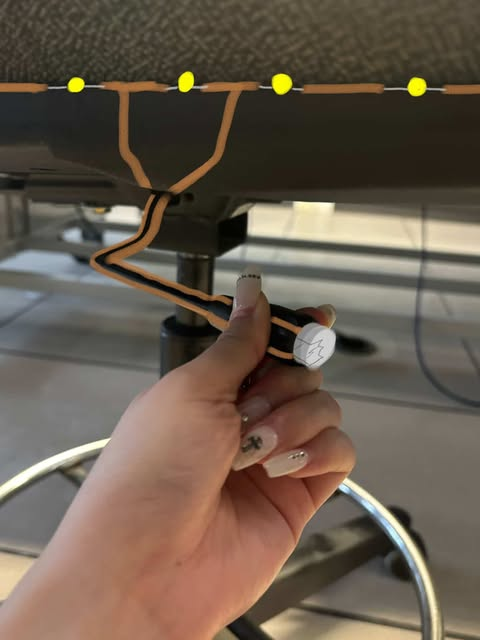
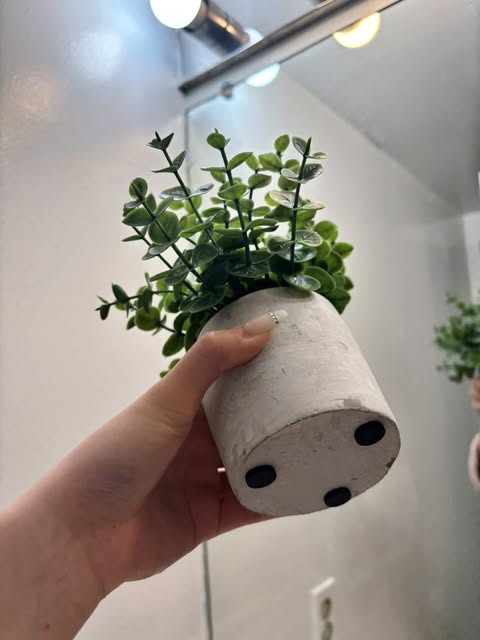
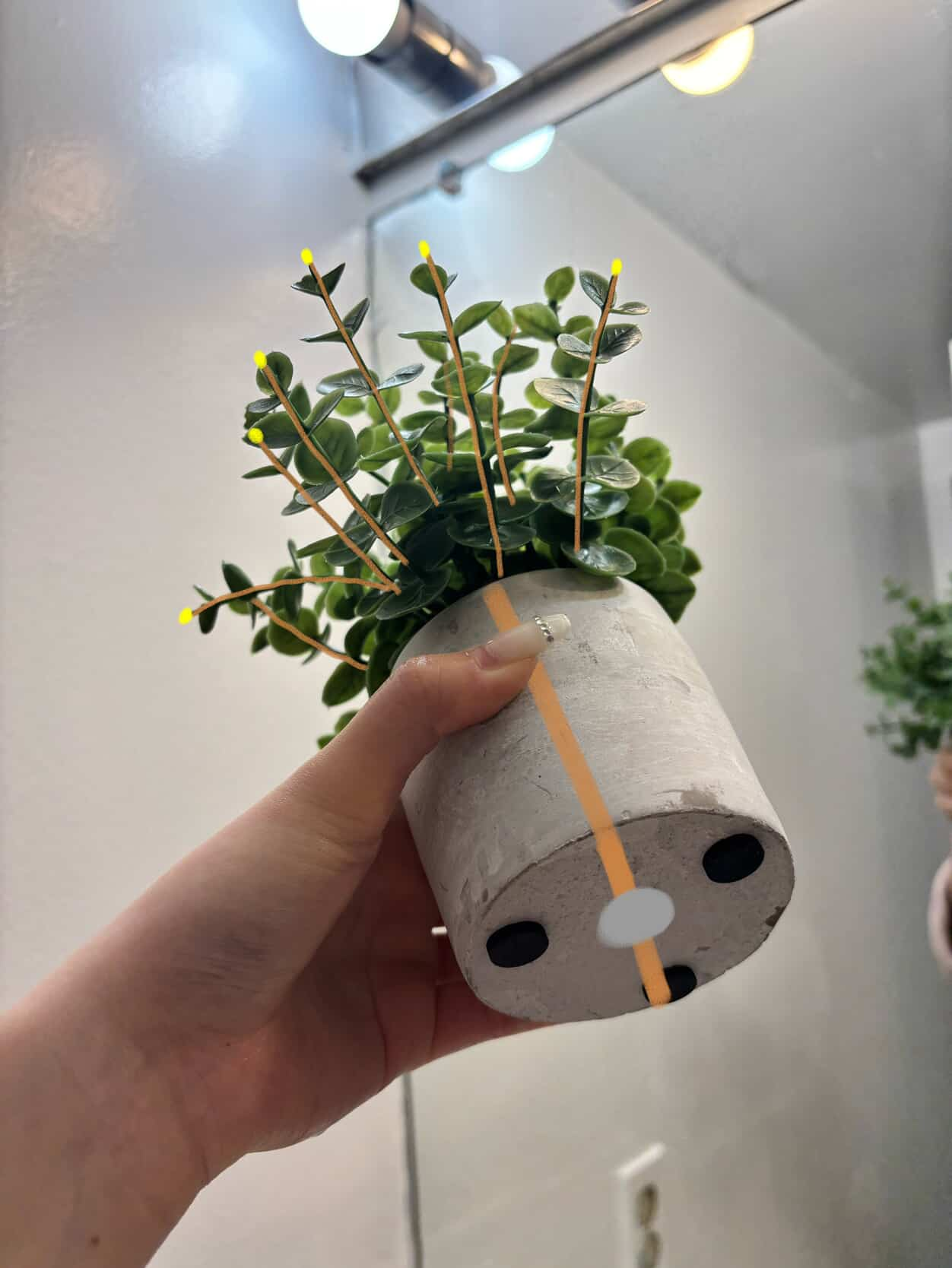
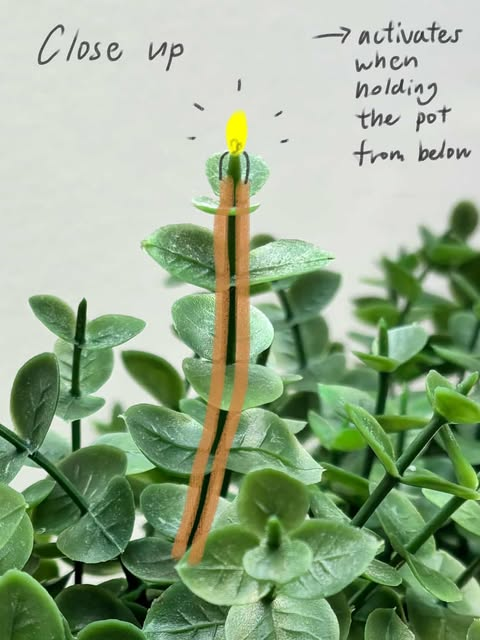
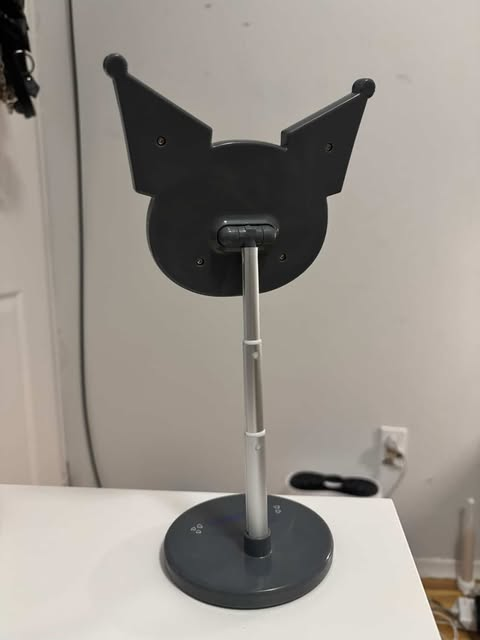
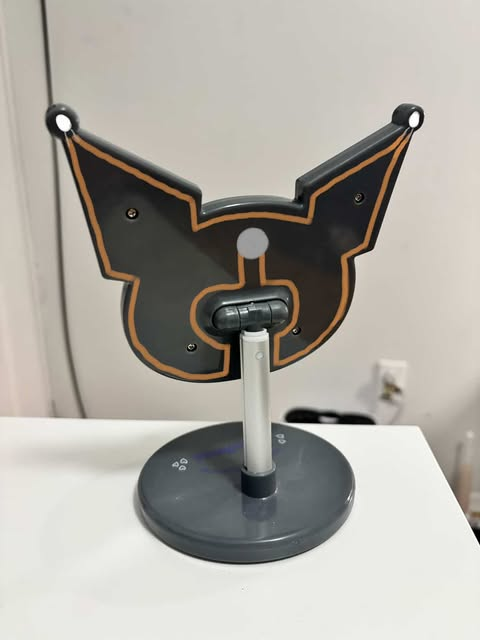
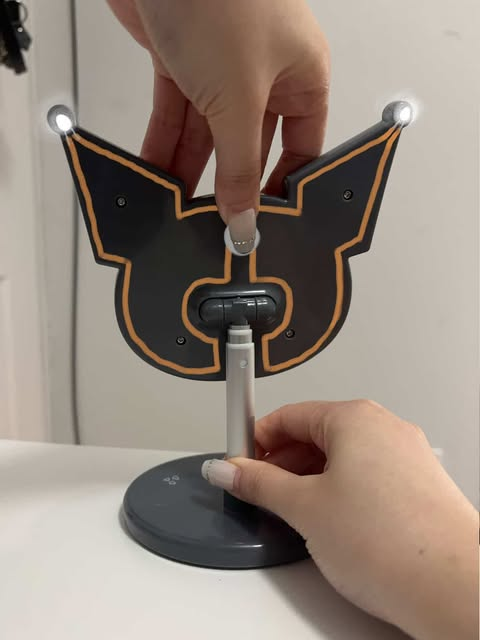
This zipper is on a pencil case made of canvas with little to no decoration. With the circuit being complete a light can appear to indicate to viewsers it is adequatly closed. The circuit is open with the redblocks repersenting where the zipperbody will go when it is dragged closed. Currently the light is off. With the slider body now fully dragged down the circuit is closed, with the LED now on. The zipper would have to be plastic in order to be able to control where the conductive areas are. My mouse already has alot of built in extra buttons and an additional scroll wheel. Adding another function could add to the users experience wether this be cosmetic or more efficient. The mouse's left button is open and the circuit is not complete because the object is not being interacted with. The mouse's left button is what activates the circuit and LED when it is pressed. This action completes the circuit by pressing a conductive material to bridge the gap in the circuit. Scissors are conductive and I was able to test if they are conductive by using wires and a button battery. They would work well for a project because they are small and have reliable moving parts. The circuit has an LED on one side which is off because the circuit is incomplete. Metal at the turning joint will act as a conductor between the handles. The circuit is closed by the handles touching eachother with conductive copper tape which turns the LED light on. The scarf is not conductive at all which is helpful because it can insulate parts of the circuits form touching eachother. LEDs are off because the circuit is not complete, the LEDs and batteries are on different sides of the item which helpes it be less bulky. Wearing the scarf crossed over allows for the circuit to be complete and turns the row of LED lights on. A laptop is open with the battery being at the bottom. At the top lid there is a LED. The LED is now on which indicates to the user that the laptop is completly closed and not on! This can help people save their battery by making sure their device is off. A charger block is hooked up with a battery on top and and copper tape next to the metal power connectors. The plug has coresponding copper tape all the way around the plug with an LED. The tape is this so the pieces must move into place perfectly when the pieces are combined. When the charger and block are plugged in the LED light indicates to the user that the charger is working. A plug on a desk top computer does not have its cap covering the opening which can damage it, so having an indicator that it is secure is helpful. Placing the cap on the opening completes the circuit and turns on lights under the monitor which tells the user that the cable is securely kept. Connecting the circuit turns on a light at the top of a plant! This light could be changed for a larger scale grown light which would help the plant grow. There is a button on the side of the pot which is made using two layers of copper tape. Additionally, there is a button battery on the side to power the LED light when it is turned on. Connecting the circuit turns on a light at the top of a plant! This light could be changed for a larger scale grown light which would help the plant grow. The back of a Kuromi mirror will have some lights attached to help the user look at themselves and because it is useful this is a good candidate for my final project. The circuit is open and the LEDs will not turn on because the battery is not connected. Pressing the button battery activates the circuit because it is now in contact with both sides so now the LED lights are turned on.

Project 1


Final Project 1 Design

Wearable Interactive Affordance Based Circuit

test2Lorem ipsum dolor sit amet, consectetur adipiscing elit

Non-Wearable Interactive Affordance Based Circuit

test2Lorem ipsum dolor sit amet, consectetur adipiscing elit
×